ENG
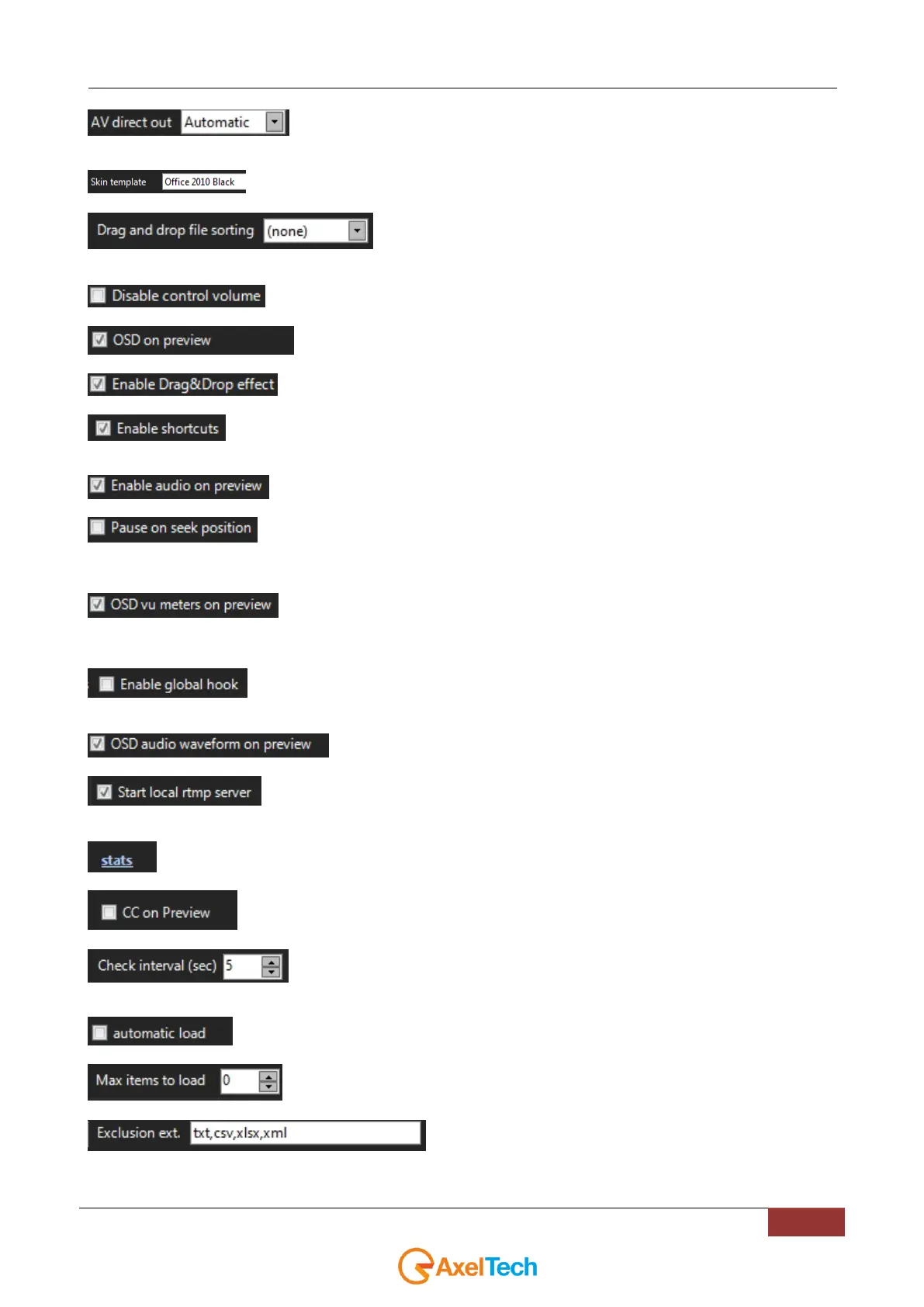
enabling Audio/Video direct out each frame will be sent to the output without any extra
processing.
Change the YouPlay skin.
display order of the elements added to the current playlist by mouse drag
and drop
Disables volume control
preview on-screen display
Enables graphics effects during drag and drop actions
Enables the use of shortcut keys. You could use the proper shortcut assignment area.
Enables audio in Preview
When you search for a position, then youplay pause on seek position
OSD(On Screen Display) on preview
OSD(On Screen Display) vu meters on preview
By enabling this option, shortcuts will be received even if Youplay is minimized or if it is not in
the top-level of Windows opened programs.
OSD(On Screen Display) audio waveform on preview
by enabling this parameter you will active for a local rtmp server. This server allows you to
generate an rtmp streaming.
by opening this link you will read all the statistics connected with the RTMP server
by checking this parameters Subtitles will be displayed if available.
Set the time interval (in seconds) to check if something changed inside the Watch
Folder
The items will be automatically loaded at YouPlay startup.
Maximum number of items to be uploaded.
file extensions to be excluded inside the watchfolder



 To Next Page