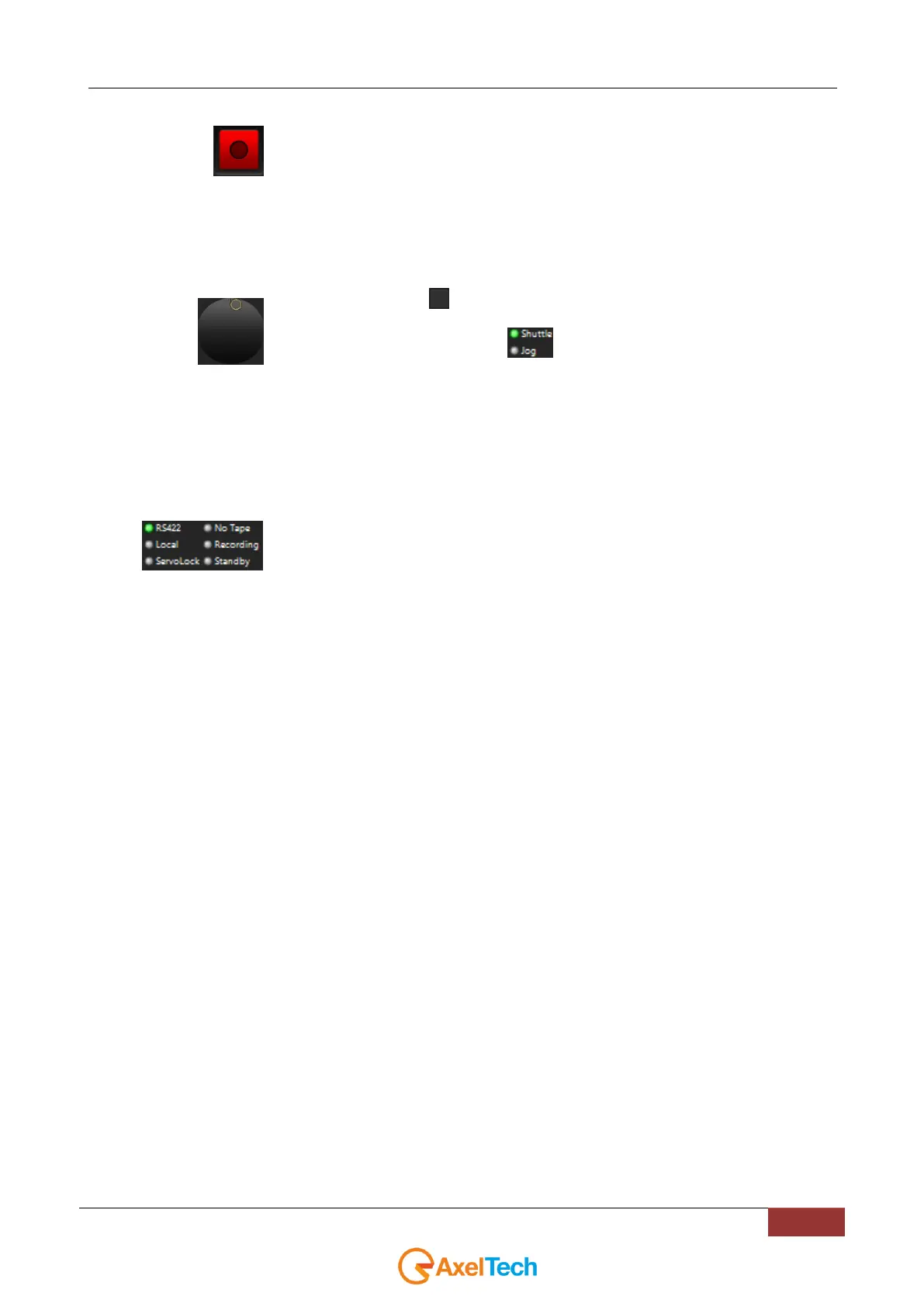
Jog/Shuttle to control the Rewind/Fast Forward executed on the connected VCR
tape.
The bottom-right button switches between Shuttle mode or Jog mode:
Jog: By rotanting the control you will skip to the next frame
Shuttle: By rotating the control you will adjust the playback speed.
RS422: the RS422 external VCR is correctly connected to the PC Comm port.
Local: Displays if the controlling of VCR is local or remote
Servolock: Displays if the playback of the connected VCR is blocked
No Tape: the tape is missing
Recording: The connected VCR is in recording mode
Standby: The connected VCR is correctly connected, but it is in
STANDBY mode. To disable the STANDBY mode press the POWER
button on its own panel.



 To Next Page