ENG
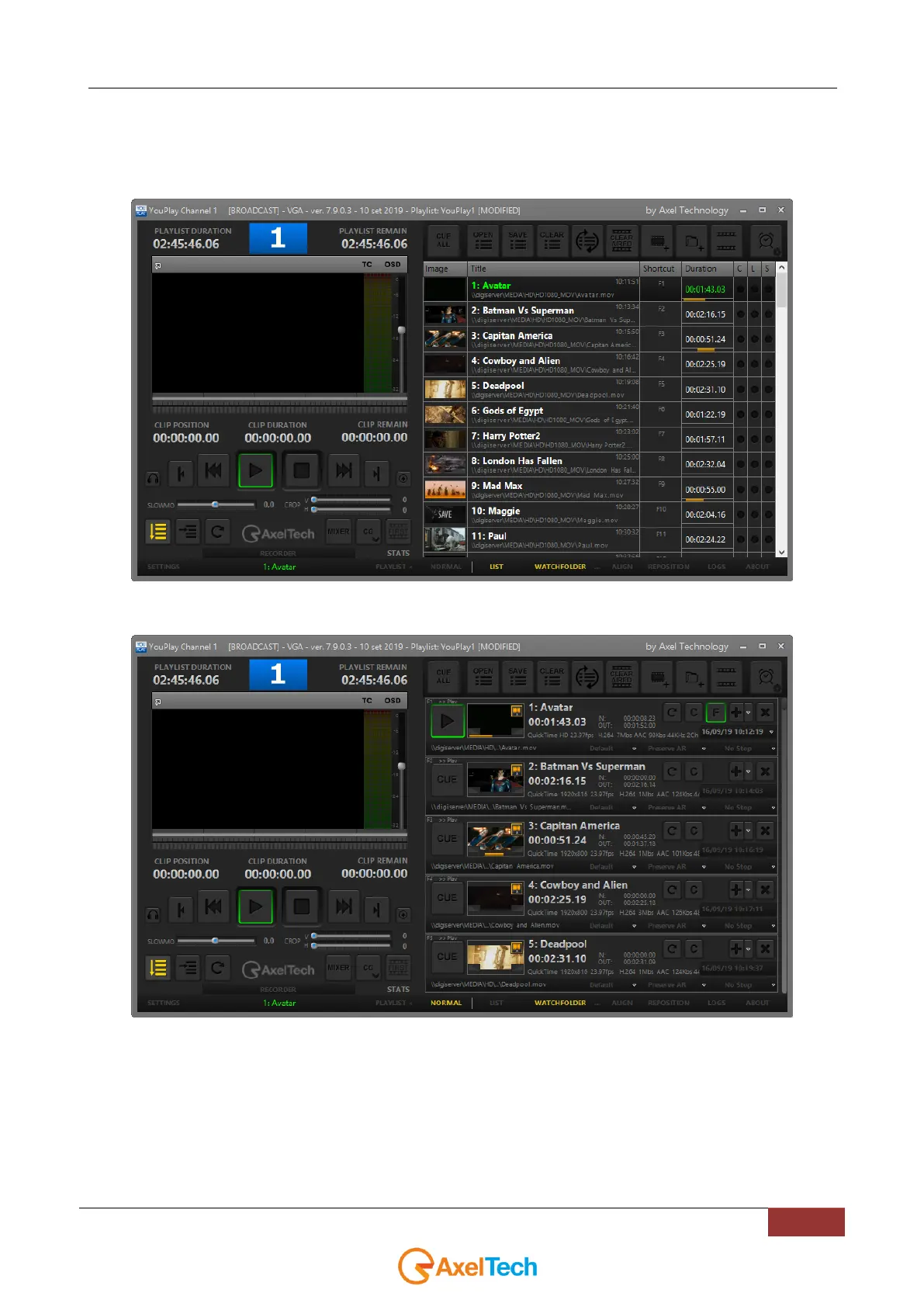
It is possible to choose between two different playlist displays: NORMAL and LIST.
The following image shows the LIST display:
The following image shows the NORMAL display:
It is possible to run multiple instances of YouPlay also if the dongle contains only one licence. The main
instance will be the playout, while the other instances can be used to preview (on VGA) and edit clips that
can be dragged and drop into the main playout after editing (keeping the mark in and mark out points set on
the second instance).



 To Next Page