Section 2: Basic Installation
22 AXIS 700 User’s Manual
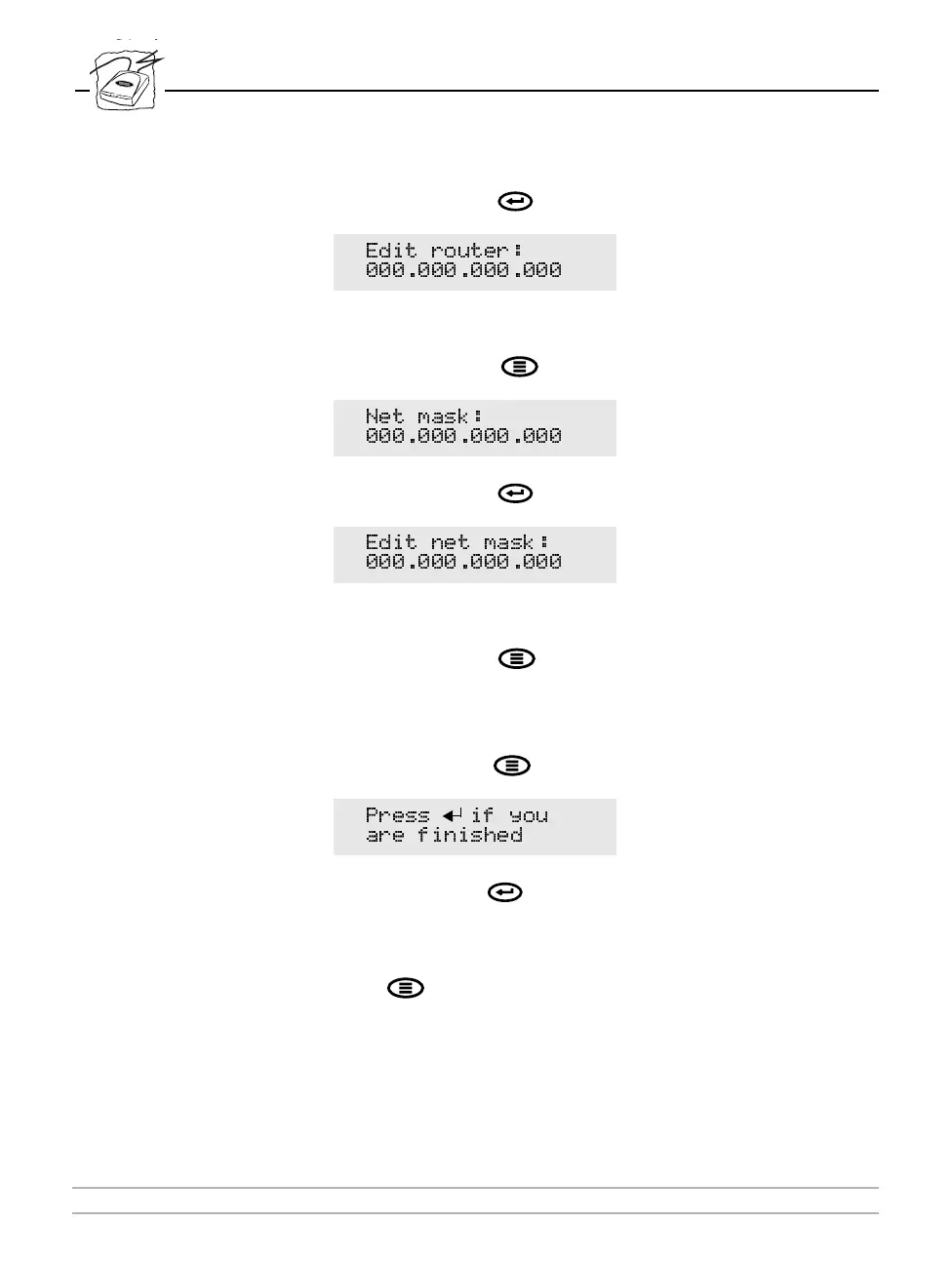
8. Press the Enter key to edit the default router address:
9. To change the value, repeat steps 4-6 above.
10. Press the Menu key to display the subnet mask:
11. Press the Enter key to edit the subnet mask:
12. To change the value, repeat steps 4-6 above.
13. Press the Menu key to display the node address. This address
is not editable. The node address should equal the AXIS 700 serial
number.
14. Press the Menu key once more to display the final instructions:
15. Press the Enter key to save your changes and exit the IP settings.
The AXIS 700 then completes the startup sequence.
Should a mistake be made when editing the parameters, press the
Menu key to return to the Internet address.
(GLW URXWHU
1HW PDVN
(GLW QHW PDVN
3UHVV LI \RX
DUH ILQLVKHG



 To Next Page