Section 4: Using the AXIS 700
40 AXIS 700 User’s Manual
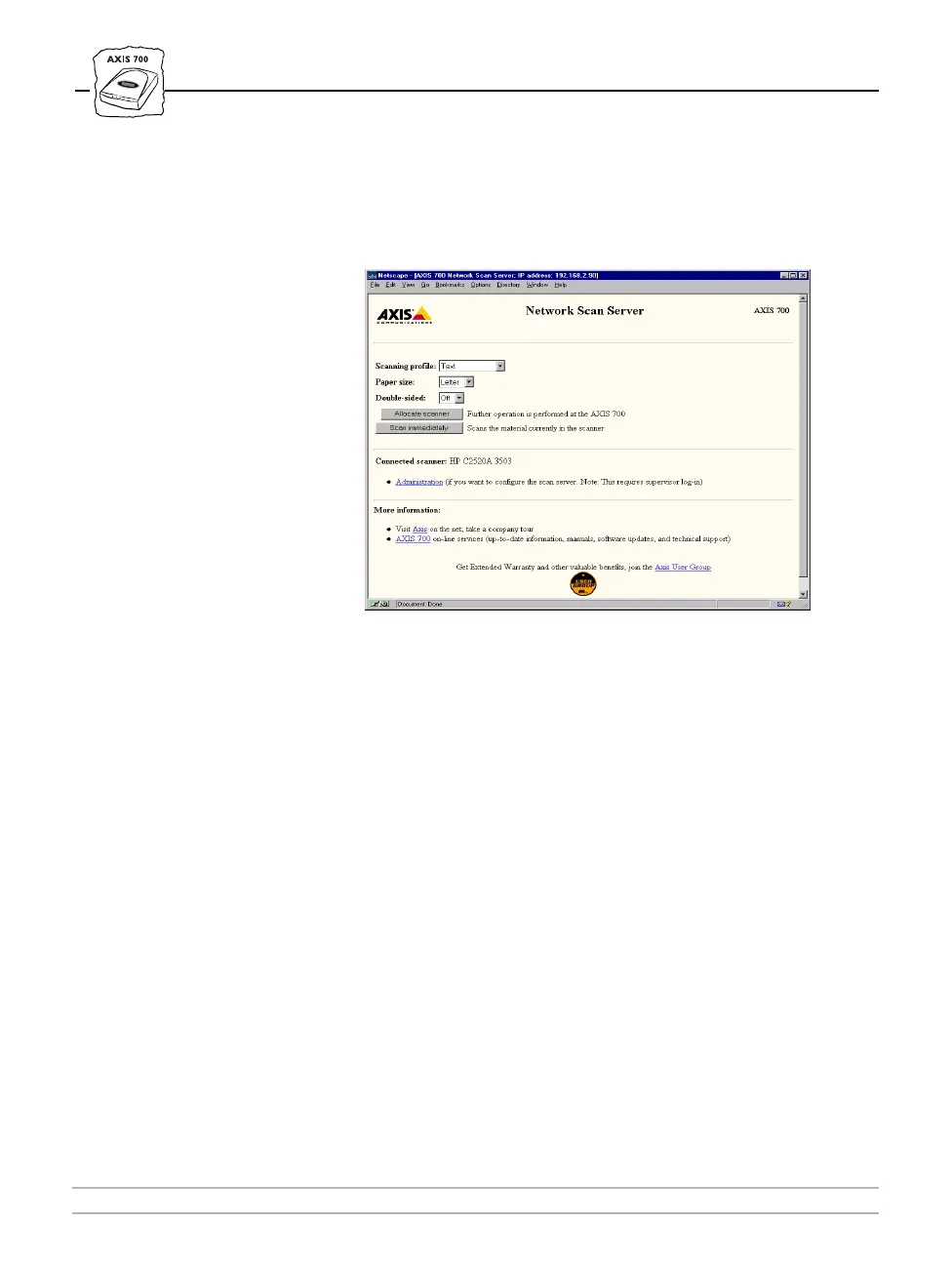
3. This brings you to the AXIS 700 Home Page. For the scan-to-Web
browser method, the AXIS 700 uses the scanning settings specified
on this page. Refer to “Specifying Scanning Parameters” on page 44.
4. Select a suitable scanning profile.
5. Select the appropriate paper size.
6. Select Double-sided, if you want to scan both sides of a page.
(Available only if supported by the attached scanner).
7. If the document you want to scan is already placed in the scanner,
click Scan Immediately and wait for the image to appear in your Web
browser. Otherwise, continue with the next step.
8. Click Allocate Scanner and complete the scanning at the AXIS 700.
9. Insert a single page on the flatbed or multiple pages into the sheet-
feeder of the attached scanner.



 To Next Page