Section 4: Using the AXIS 700
AXIS 700 User’s Manual 43
7. For a single page/pile of sheets:
a. Press the Send key to scan and transmit the image to
the destination(s).
For multiple pages/piles of sheets:
a. Press the Scan key to scan each page on the flatbed/
each pile of sheets on the sheet feeder.
b. Insert the next page and press the Scan key again.
c. Repeat the procedure until all the pages have been scanned.
d. Press the Send key to transmit the image to the
destination(s).
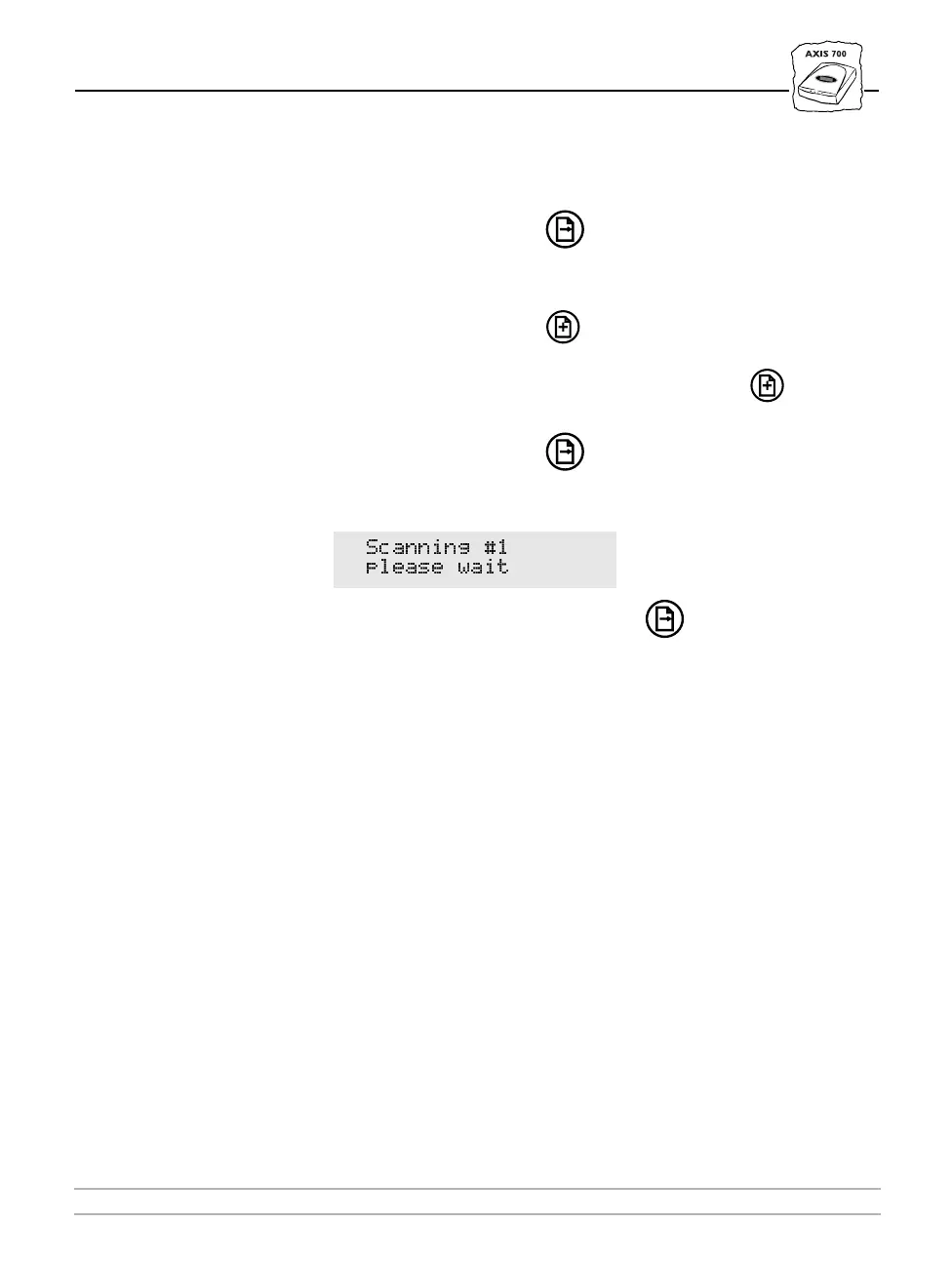
During the scanning this message is displayed on the LCD:
8. When you have pressed the Send key and the transfer of the
scanned image is completed, the AXIS 700 is released for other users
to access.
Notes:
❏ By scanning multiple pages, you can accumulate several “jobs”
into one image file. This applies to TIFF files only.
❏ The destination in the illustration is an example only. The actual
destinations displayed are those set from the Web browser as
described in “Destination” on page 30.
❏ If no operations are performed within five minutes of allocation,
the AXIS 700 returns to its default settings.
❏ After 60 seconds from the last scan, the AXIS 700 will reset all
temporary settings to the default configuration.
6FDQQLQJ
SOHDVH ZDLW



 To Next Page