18
NOTE:
• Tap the icon , then click Setting > General&KHFNWKHInclude Videos
boxWRSOD\YLGHR¿OHV,IWKHInclude Videos box is NOT checked, video
¿OHVZLOOQRWEHDEOHWREHSOD\HG
)RUVRPHLPDJH¿OHVWKDWFDQQRWEHURWDWHGOHIWRUULJKWWKLVIXQFWLRQLFRQ
will not show.
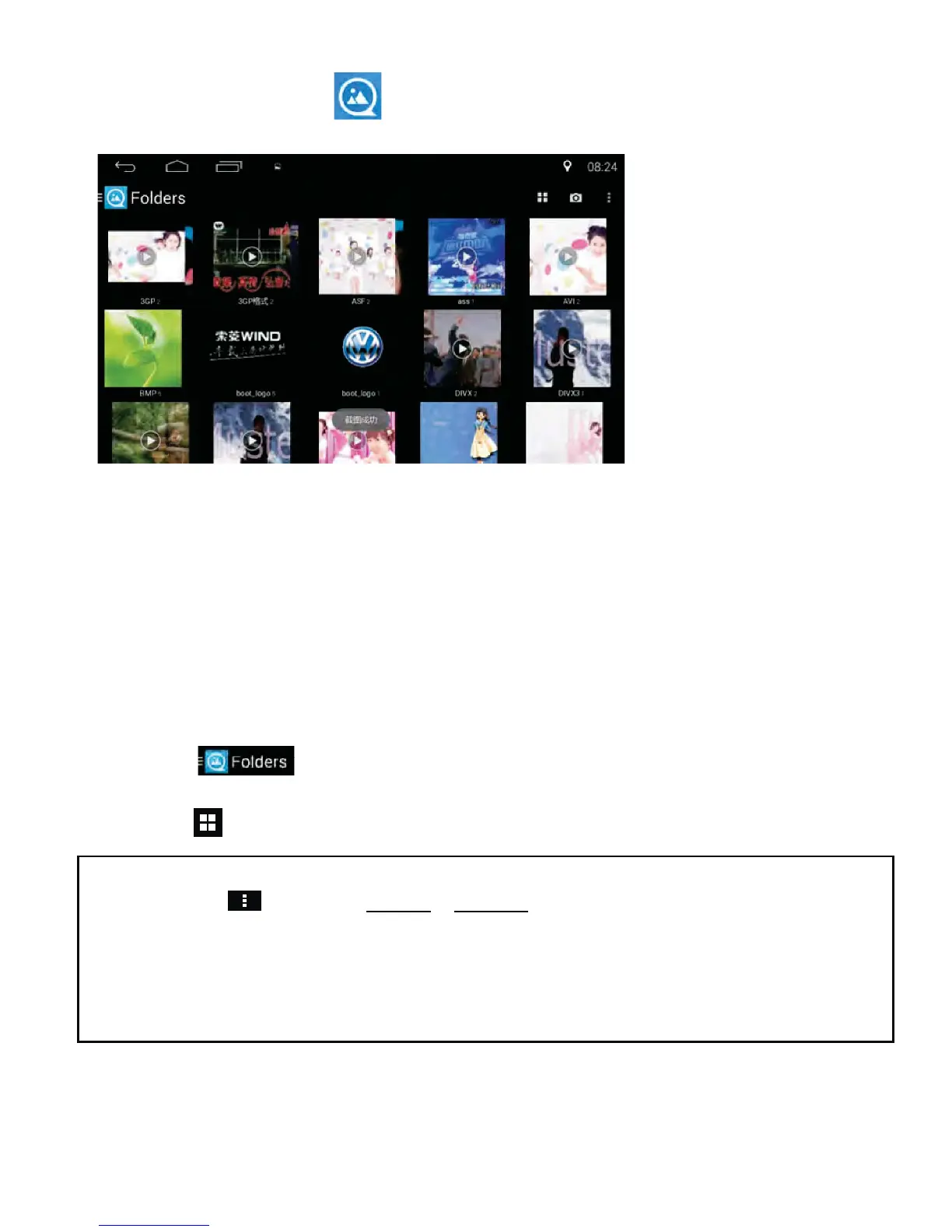
Quick Picture Previewing Function
Tap the QuickPic icon in the APP section to enter the interface
below:
• You may preview or edit the images on USB devices or in internal
memory.
• The image formats supported by this unit include: JPG, PNG, BMP,
JPEG, etc.
• When playing an image that is not supported, the system will display “fail
WRSOD\DVWKHLPDJHIRUPDWLVQRWVXSSRUWHG´.
• Tap the icon on upper left corner to select Album/Activities.
• Tap the icon to set album display as Stack/Grid/List or Explorer.



 To Next Page