37
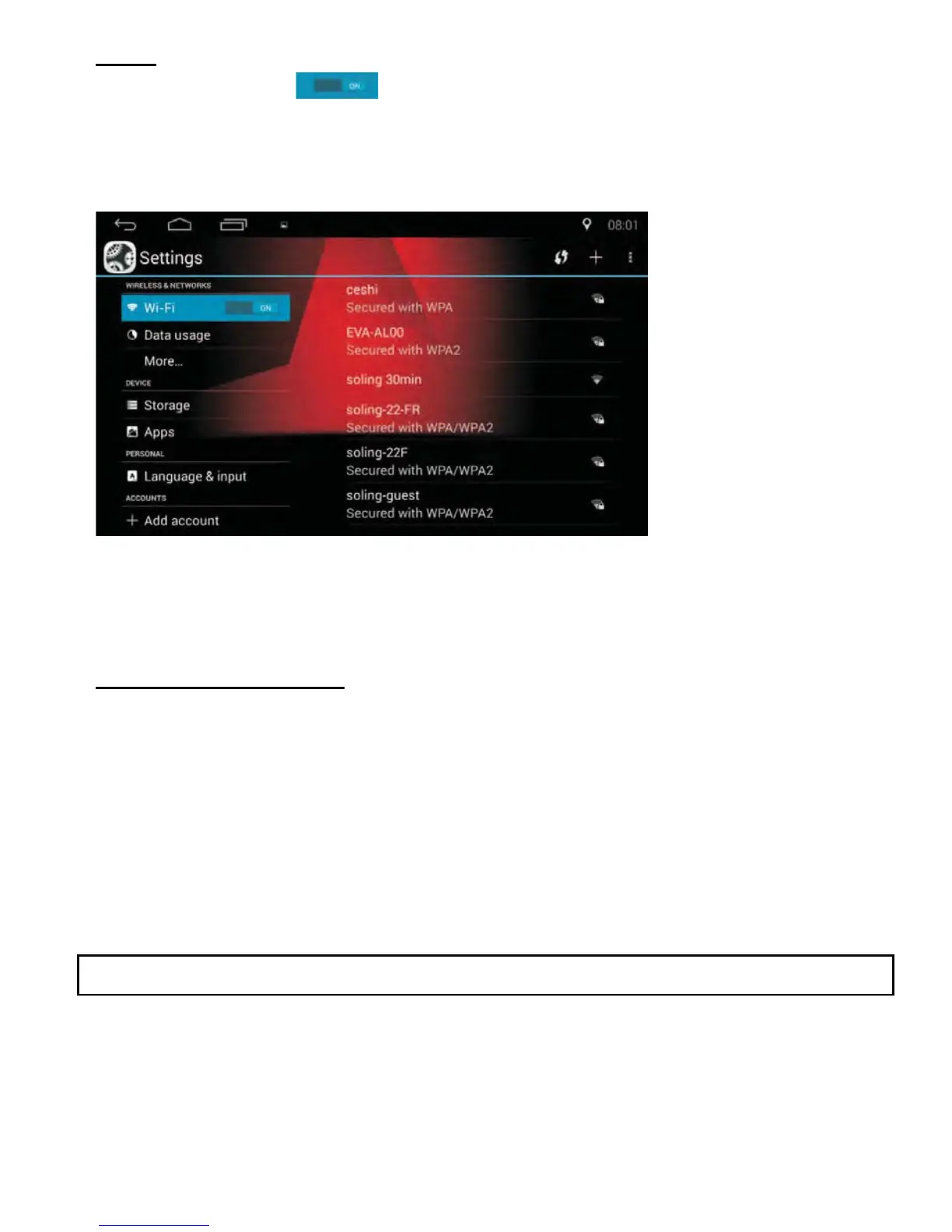
• If there is a lock icon shown beside the signal icon, it means this signal
source is encrypted. A password is required to connect to this WLAN.
Connecting to WLAN
• If the searched WLAN is not encrypted, once the WLAN is
opened, the WLAN will be connected automatically.
• If the searched WLAN is encrypted, a dialogue box asking for a
password will pop-up.
• Enter the password and click “Connect”.
• If the box “Show advanced option” is ticked, more detailed settings will
show.
• You can select these functions as desired.
WI-FI
• Tap the WI-Fi tab WRWXUQ:L)LRQRURႇ
• After turning Wi-Fi on, the unit will search for available WLAN.
³)RXQG:/$1´ will show on the right side of the screen.
NOTE: WLAN stands for Wireless Local Area Network



 To Next Page