11
Call History
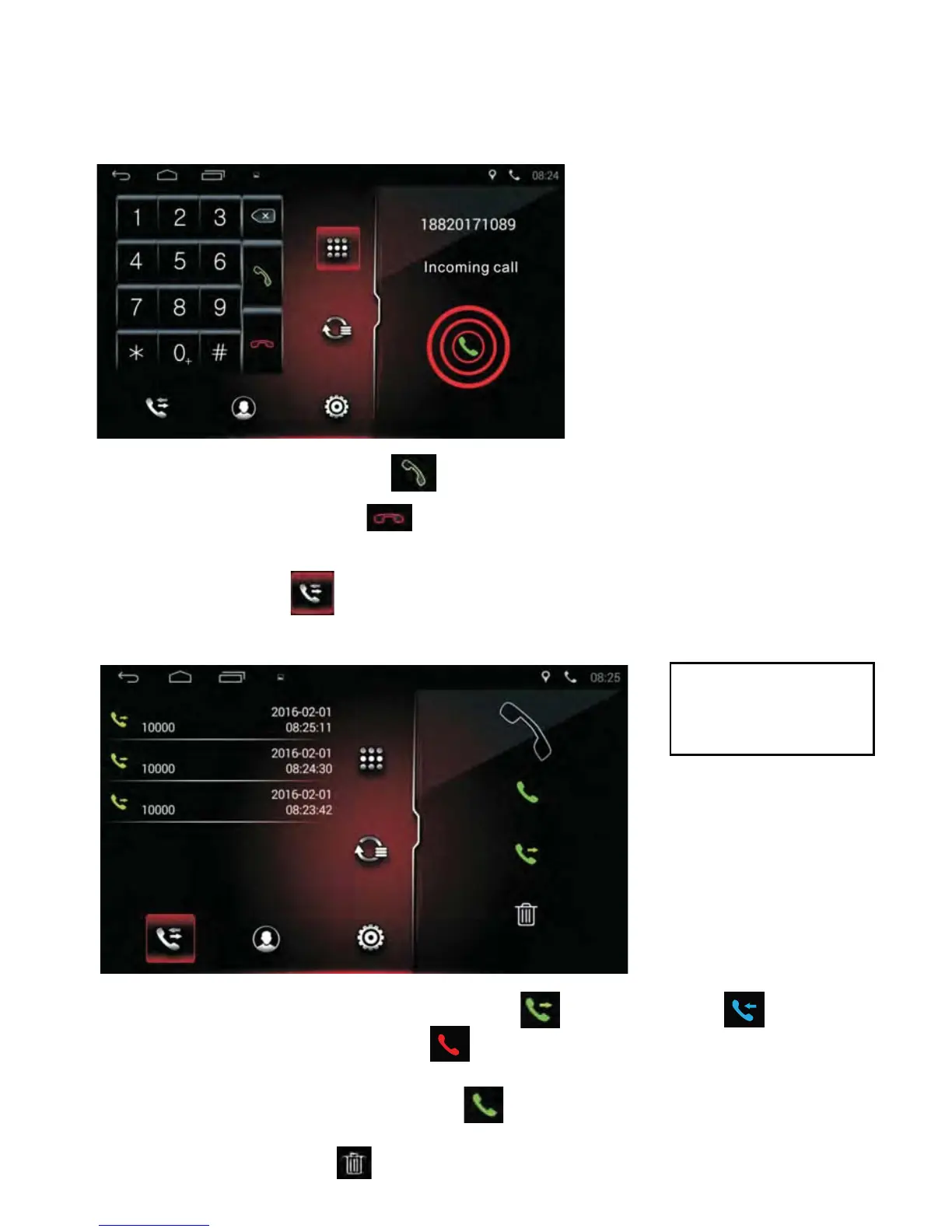
• Tap the Call List icon to list dialed, missed & previous incoming
calls as per image below:
Answer a call
When there is an incoming call, the system will switch to the phone interface
automatically and the call will ring via the vehicle audio system as shown in
the interface below:
• Tap the Green Phone icon to answer a call.
• Tap the Red Phone icon to reject a call.
• Toggle between call lists by pressing the icon for dialled,
icon for previous incoming and icon for missed.
• To call numbers from the list, tap the desired number from the list and
press the Green Dial Phone icon to call.
• To delete numbers from the list, tap the desired number from the list and
press the Delete icon .
x
NOTE: Only calls
through the radio
are stored.



 To Next Page