36
FACTORY RESET
• Tap the Reset icon in APP section to display reset setting interface.
• Tap Determine to return the unit to factory settings.
• The system will restart.
• For a full System Reset, disconnect power from unit.
NOTE: After the system returns to factory settings, all third party applications
installed and user data will be lost.
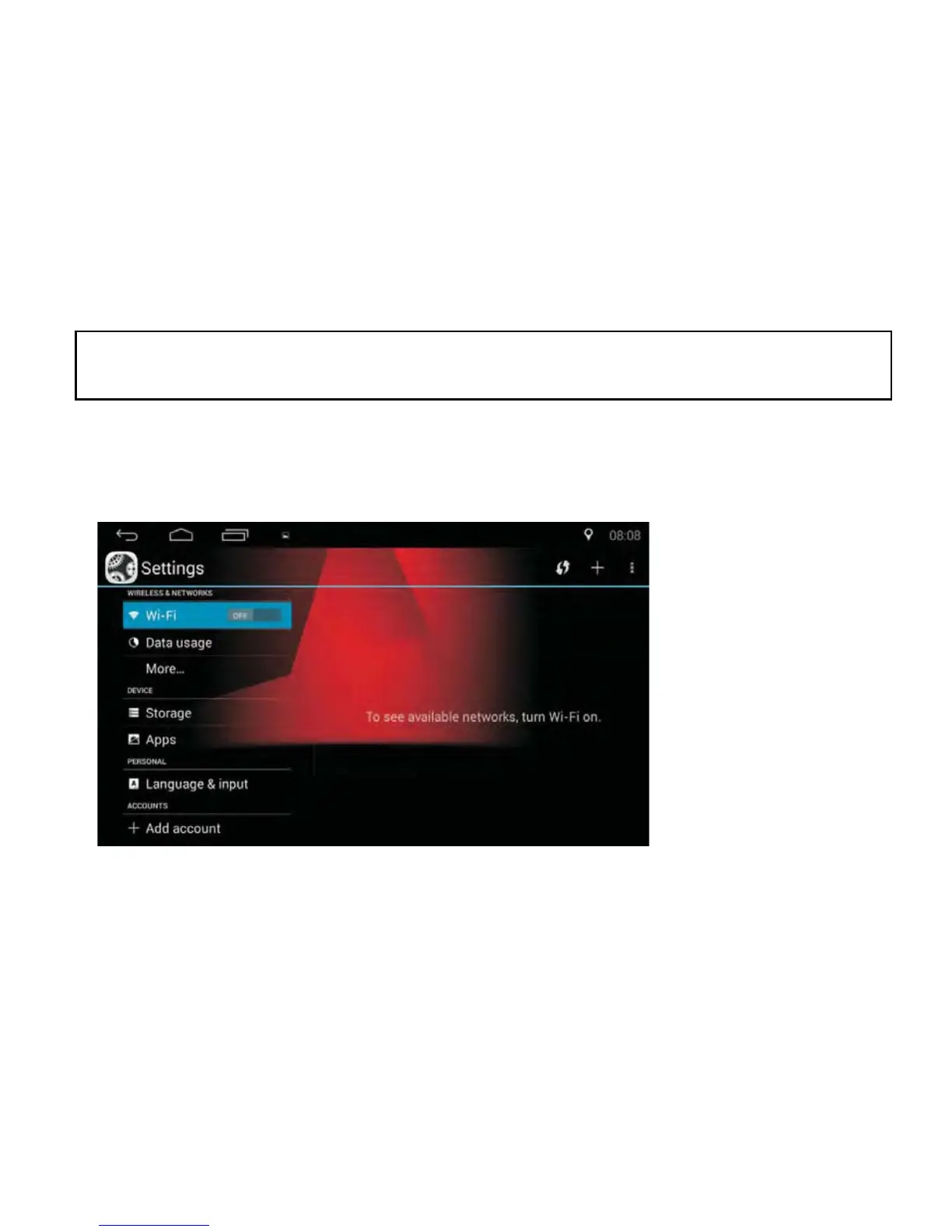
SETTINGS
Tap the Settings icon in the APP section to enter the interface below:



 To Next Page