31
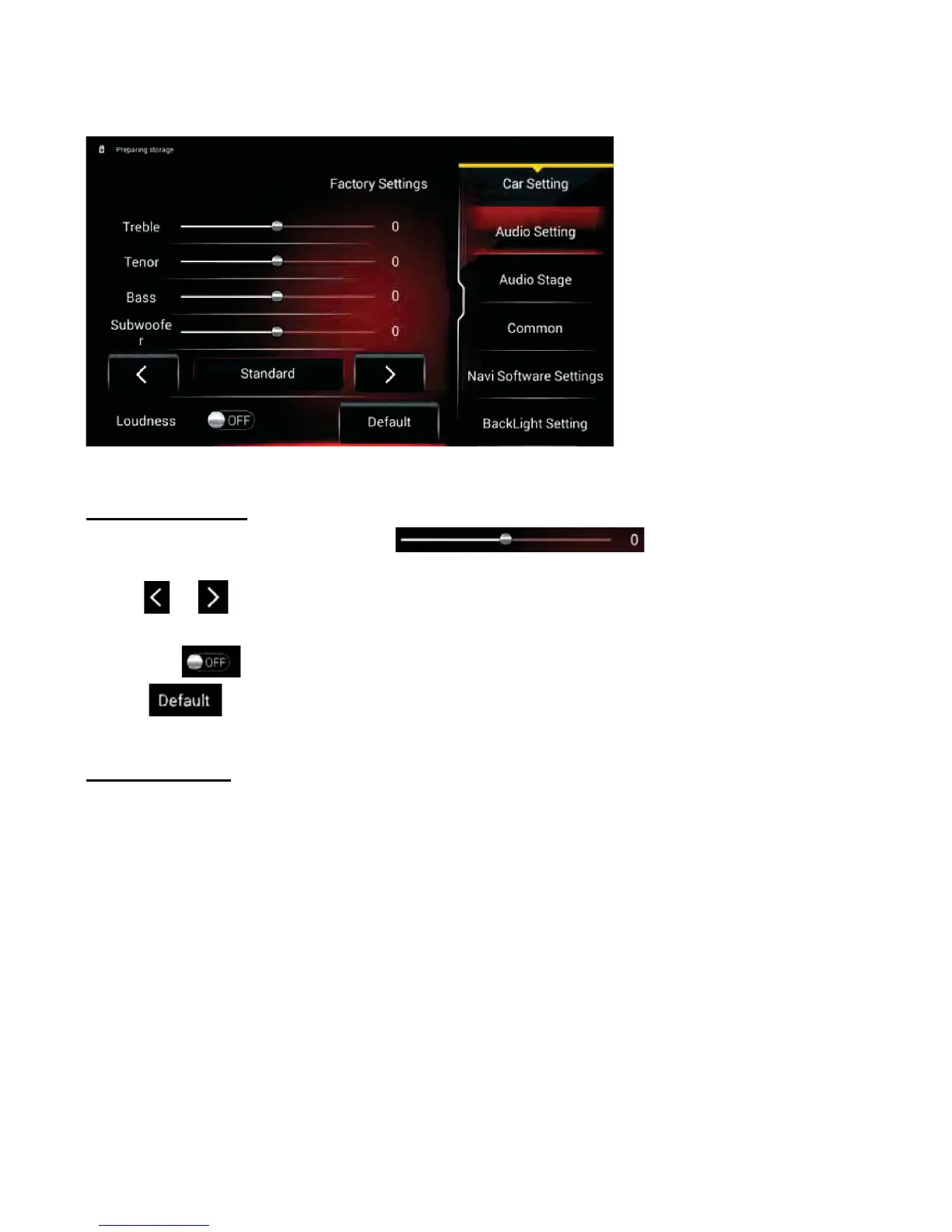
Audio Setting
• Move the slider left and right to adjust the
volume of the Treble/Tenor/Bass.
• Tap or to select EQ modes:
Standard/Pop/Rock/Classical/Jazz/Custom.
7DSWKH/RXGQHVVWDE2QRU2ႇ
• Tap to select the original settings.
Audio Stage
• Tap the Left or Right icon to adjust the balance left and right.
• Tap the Front or Back icon to fade the audio forward or back.
• Tap the Default icon to center the sound.
Car Setting
Touch the Car Setting icon in the APP section to enter the following menu:



 To Next Page