24
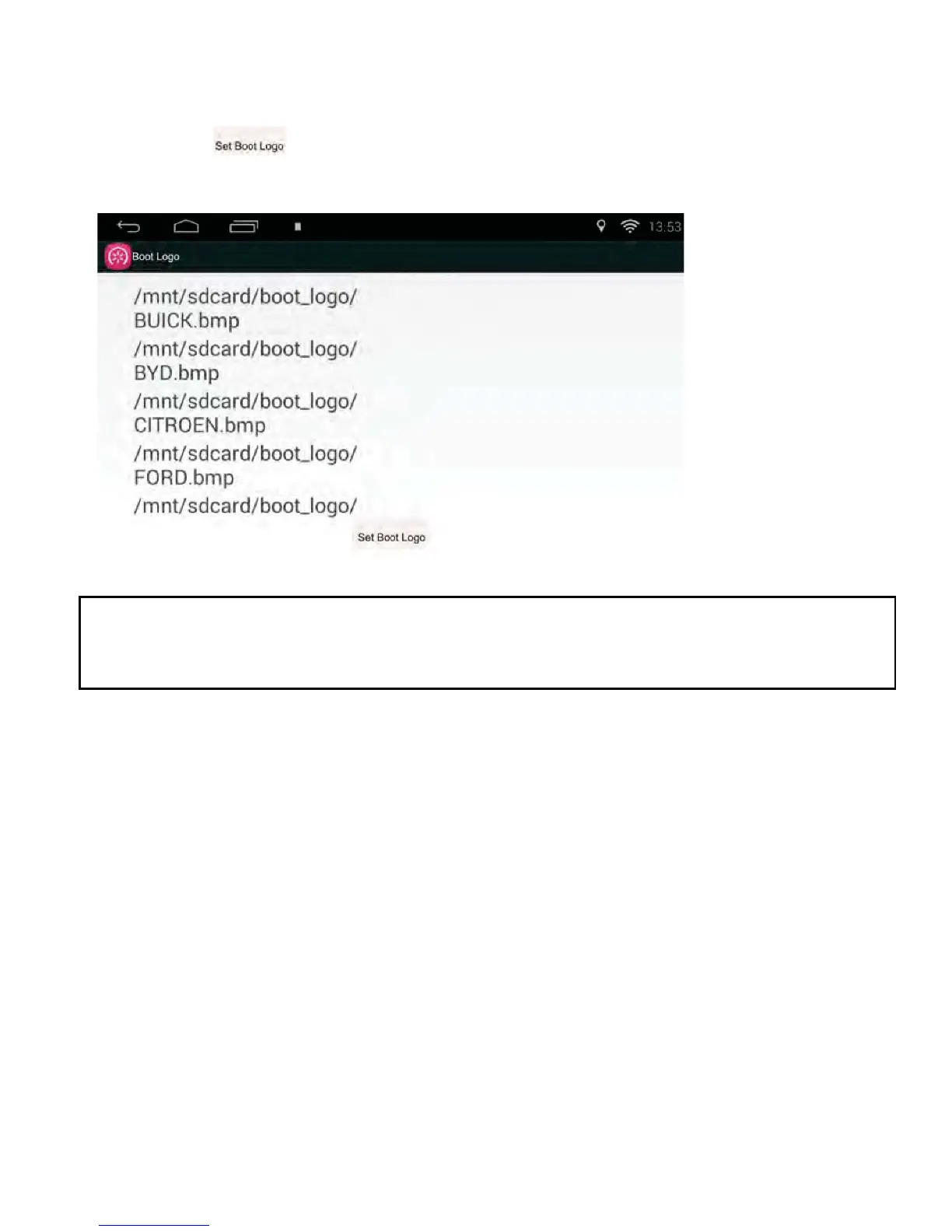
Boot Logo Function
• Tap the Boot Logo icon in the APP section to enter the Boot Logo setting
interface.
• Click the button located at the lower area of the interface to set
the Boot Logo.
127(2QO\D%03¿OHZLWKIXOOVFUHHQVL]HFDQEHVHWDV%RRWORJR7KHFRORXU
GHSWKKDVWREH%LW[%03¿OHVQHHGWREHVDYHGXQGHUWKH
GLUHFWRU\³ERRWBORJR³LQWKHH[WHUQDOVWRUDJHGHYLFH
AUX Function
1) Connect a RCA Video lead into the rear Video 2 input and the audio
RCA leads into the rear AUX 2 audio input plugs.
2) Tap the AUX icon in the APP section.



 To Next Page