23
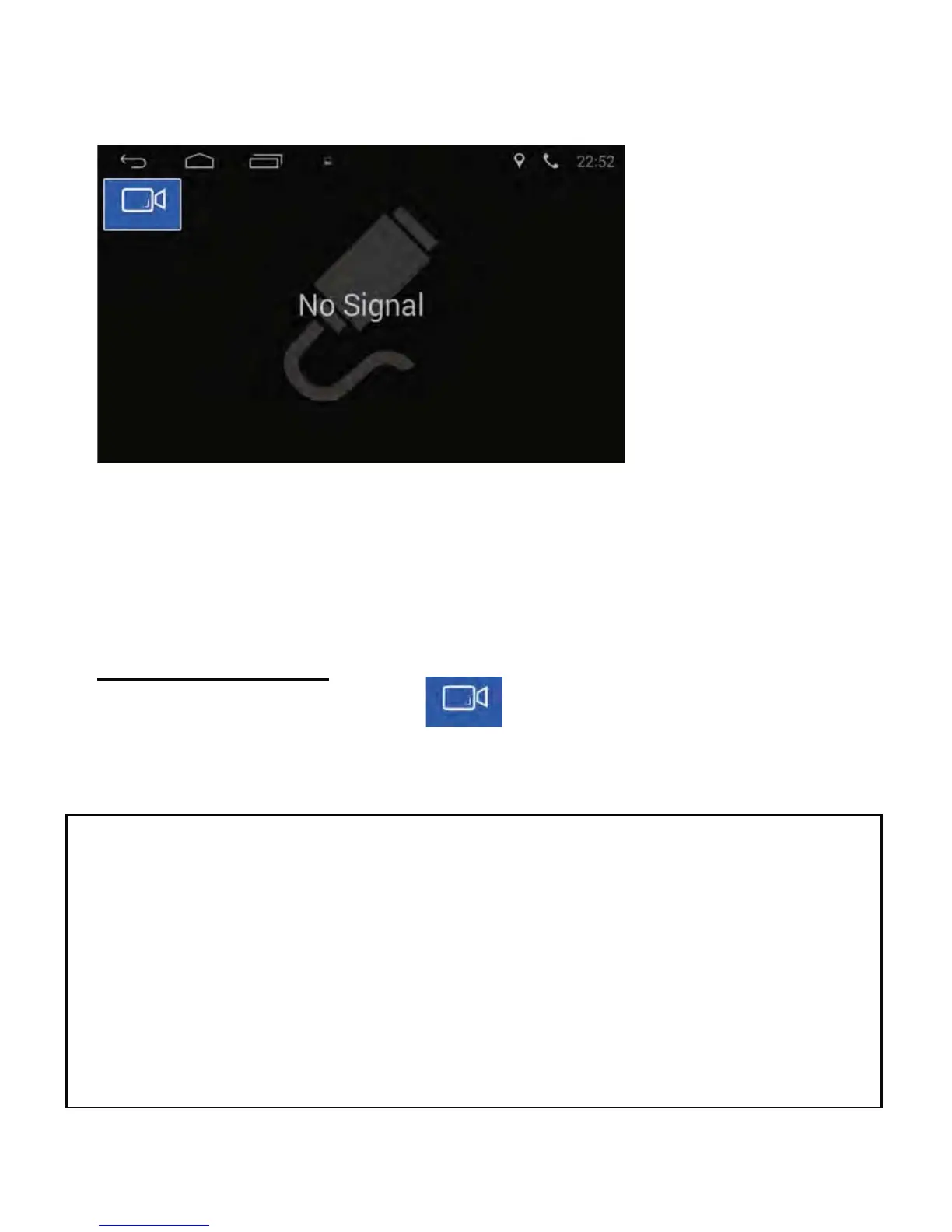
1) When there is no camera connected to the unit, “No Signal” will display.
2) When a camera is connected to the unit, “Loading“ will display. After
loading, the camera’s image will show on the screen.
Dual Camera Select
Press the switch camera button to change from Camera 1 to
Camera 2 and visa versa.
Camera Function
When there is a camera video input connected to this unit, tap the Camera
icon in the APP section to enter interface below:
127(&DPHUDKDV9LGHR$XGLR,QSXW:KHQVHOHFWHGDXGLRVRXUFHV
DUHPXWHG$FFHVV&DPHUDVHWWLQJVE\7RXFKLQJWKHCar Setting
icon in the APP section and select “Common´7KHIROORZLQJ
settings are available:
Reversing Mirror
Tap to have camera image as normal or mirrored view.
Backcar Mute
Tap the tab to mute audio when in reverse gear.



 To Next Page