22
Live Wallpaper Function
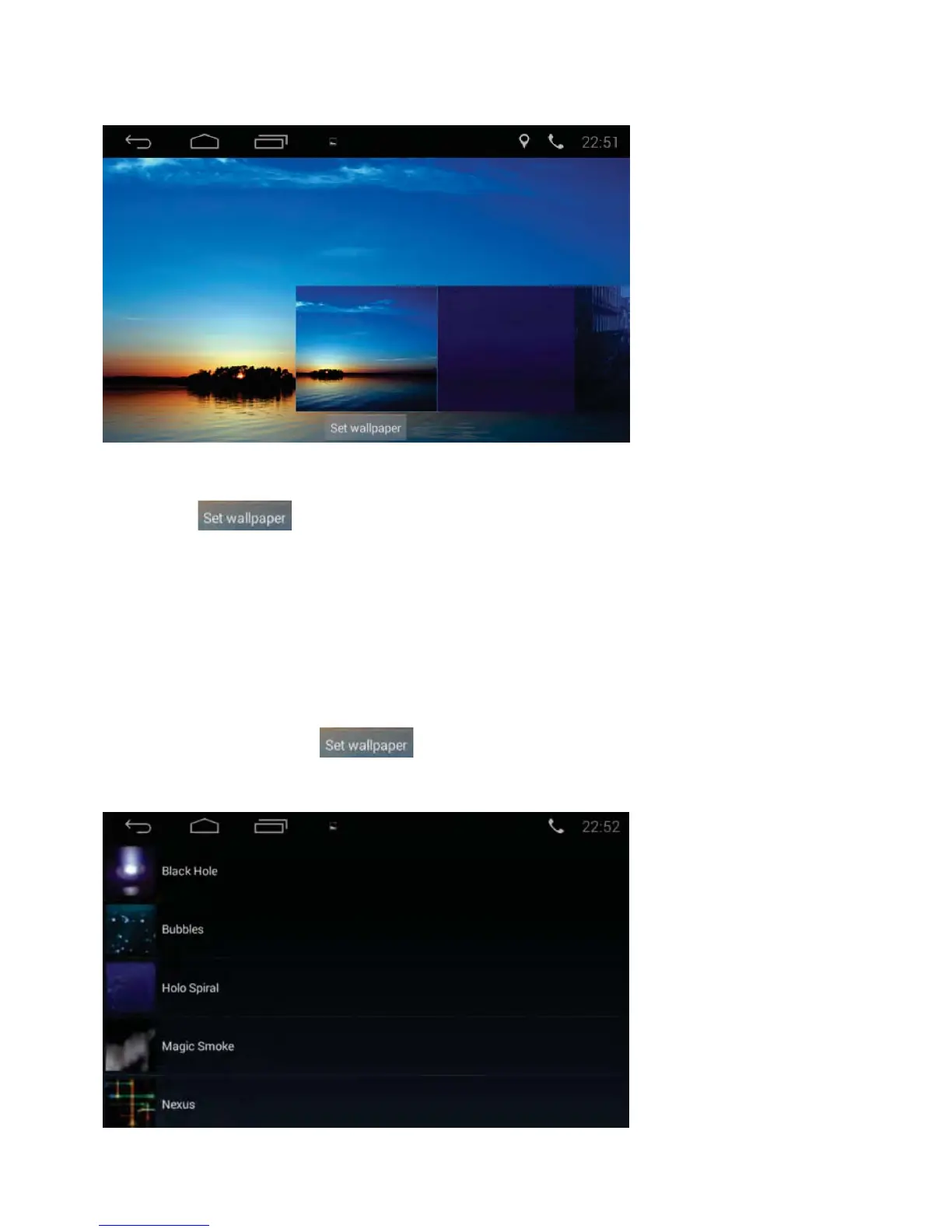
1) Tap the Live Wallpapers icon in the APP section to enter the interface
below and select your desired live wallpaper.
2) Slide up and down to preview the live wallpapers. After you select a live
wallpaper, tap the icon. The selected wallpaper will be set
as homepage background.
• Slide left and right to preview the wallpapers. After you select a wallpaper,
tap the icon to set image as homepage background.
Wallpaper
Tap the Wallpapers icon in the APP section to enter interface below:



 To Next Page