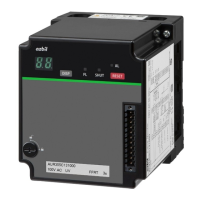
5
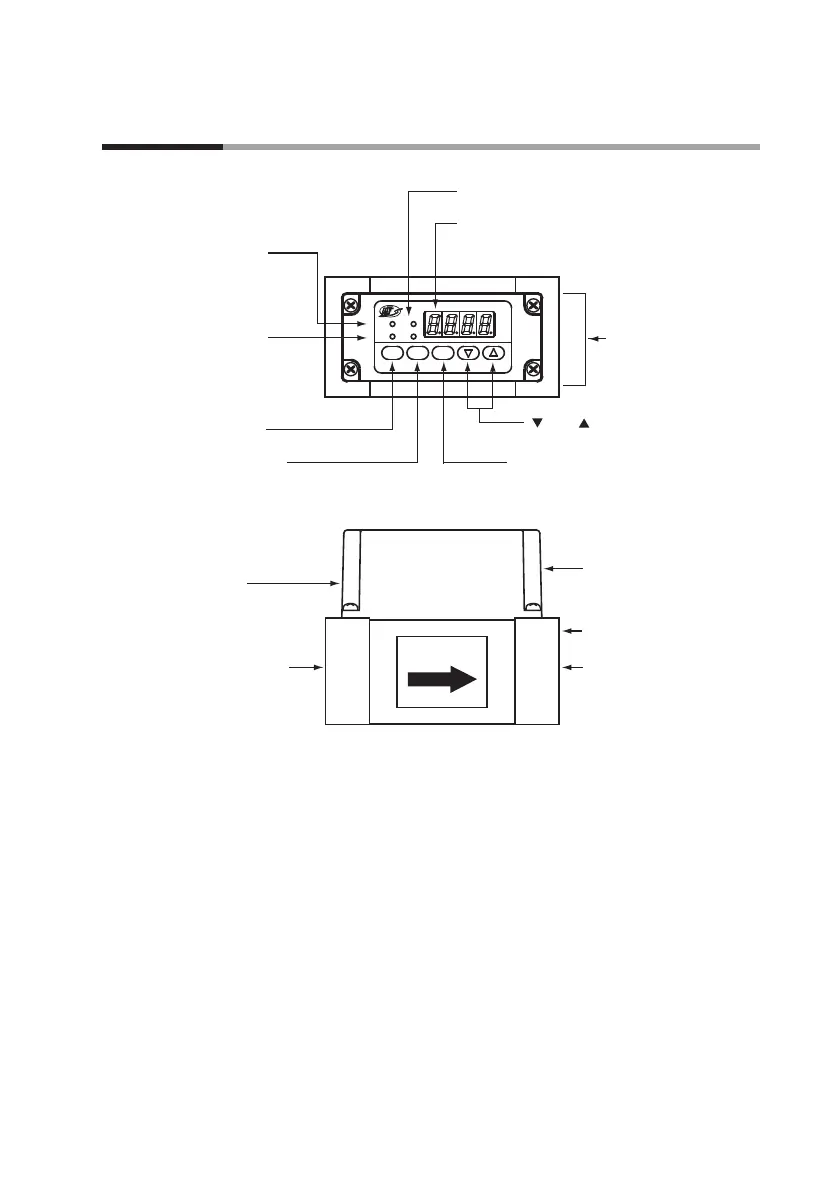
[ENT] key:
Used to save the setting.
[MODE] key:
Used to switch the mode to setup mode.
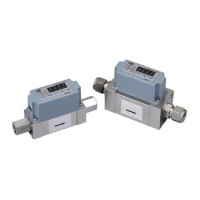
Outlet pipe connection port:
Gas ow outlet
Resin cover
Flange
Signal connector:
Connects the power
and also the output signals.
Inlet pipe connection port:
Gas ow inlet
Flow rate display:
Shows the ow rate using a 4-digit 7-segment LED.
During setup, the rst two digits and the last two
digits show the function and the setting respectively.
EV1 and EV2 indicators:
Lit when event output is generated.
Display unit
Instantaneous ow
rate indicator:
Lit when the instantaneous
ow rate is displayed.
Totalized ow indicator:
Lit while the totalized
ow is displayed.
[DISP] key:
Used to switch to a dierent display.
Mass Flow Meter
X10L
L/min
EV2
EV1
ENTMODEDISP
[ ] and [ ] keys:
Used to select modes and settings.
Chapter 2.
Names and Functions of Parts


 To Next Page