Azure Imaging System User Manual Page 9
2.4 Software Installation
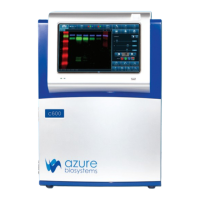
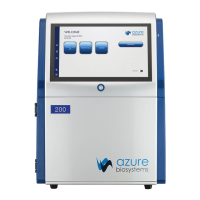
The Azure Capture Software is pre-installed. When the 13.3-inch touchscreen computer running Windows
10 Enterprise is powered on, launch the Azure Imaging Systems software from the icon on the desktop. If the
software has been closed, double click on the desktop icon.
Once the system is done initializing, the software displays the Home screen, and is ready to use.
Please contact Azure technical support at support@azurebiosystems.com for questions about upgrading
the software.
2.5 Other USB Input Devices
You may attach regulatory approved, Windows OS supported USB keyboard, USB mouse or other USB input
devices to either the front or upper USB port on the side of the instrument.


 To Next Page