Azure Imaging System User Manual Page 15
3.5 Nucleic Acid Gels with Dyes Imaging Mode
Use this for nucleic acid samples stained with uorescent dyes (displayed in red, green, blue, and
grayscale pseudocolor).
1. Open door and place sample directly on trans UV illuminator if using UV modes. If using Blue light for
the excitation, place sample on the black tray and place in the imager.
2. Close the Azure Imaging System door.
3. Select Nucleic Acid Gels with Dyes from the home screen.
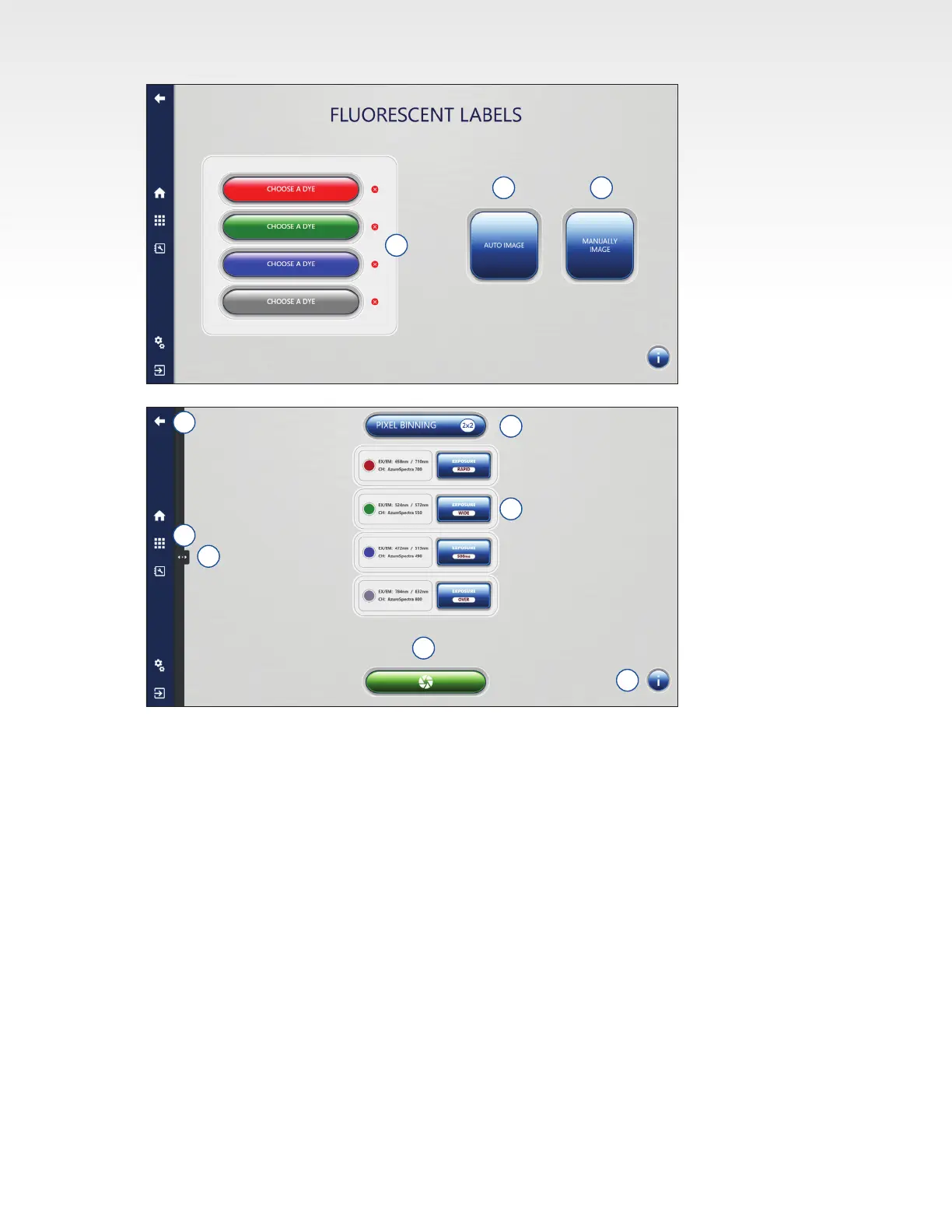
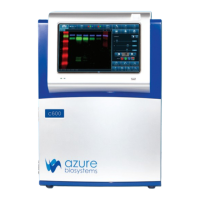
4. By default, the software will be set to gray as the primary channel. Click the gray Choose a Channel
button to select the desired dye for imaging.
Note: List of dyes available is customizable in the Settings tab.
5. Add additional dyes if desired by clicking on any one of the three additional color channels: red,
green, blue, and selecting the desired dye to assign it to that color channel
6. Use Auto Image if you want the system to determine the optimal default exposure for each selected
channel using the Wide Dynamic Range exposure mode.
7. Select Manually Image to control all imaging settings.
8. Select the Pixel Binning setting based on the desired sensitivity and imaging resolution. See Section
3.2 for more details.
5 6
4
7
8
13
9
10
11
12


 To Next Page