8 Instrument Care
© b2 electronic GmbH DHV0017 b2 EN 41
8 Instrument Care
8.1 Update
Contact service@b2electronic.at or visit the customer portal to get the latest
firmware. First step to update a BA, is to restart the unit. Afterwards put the
USB memory stick with the update data in the communication port. The update
starts automatically.
8.2 Installing Printer Paper Roll
NOTICE
Only for models with integrated printer applicable.
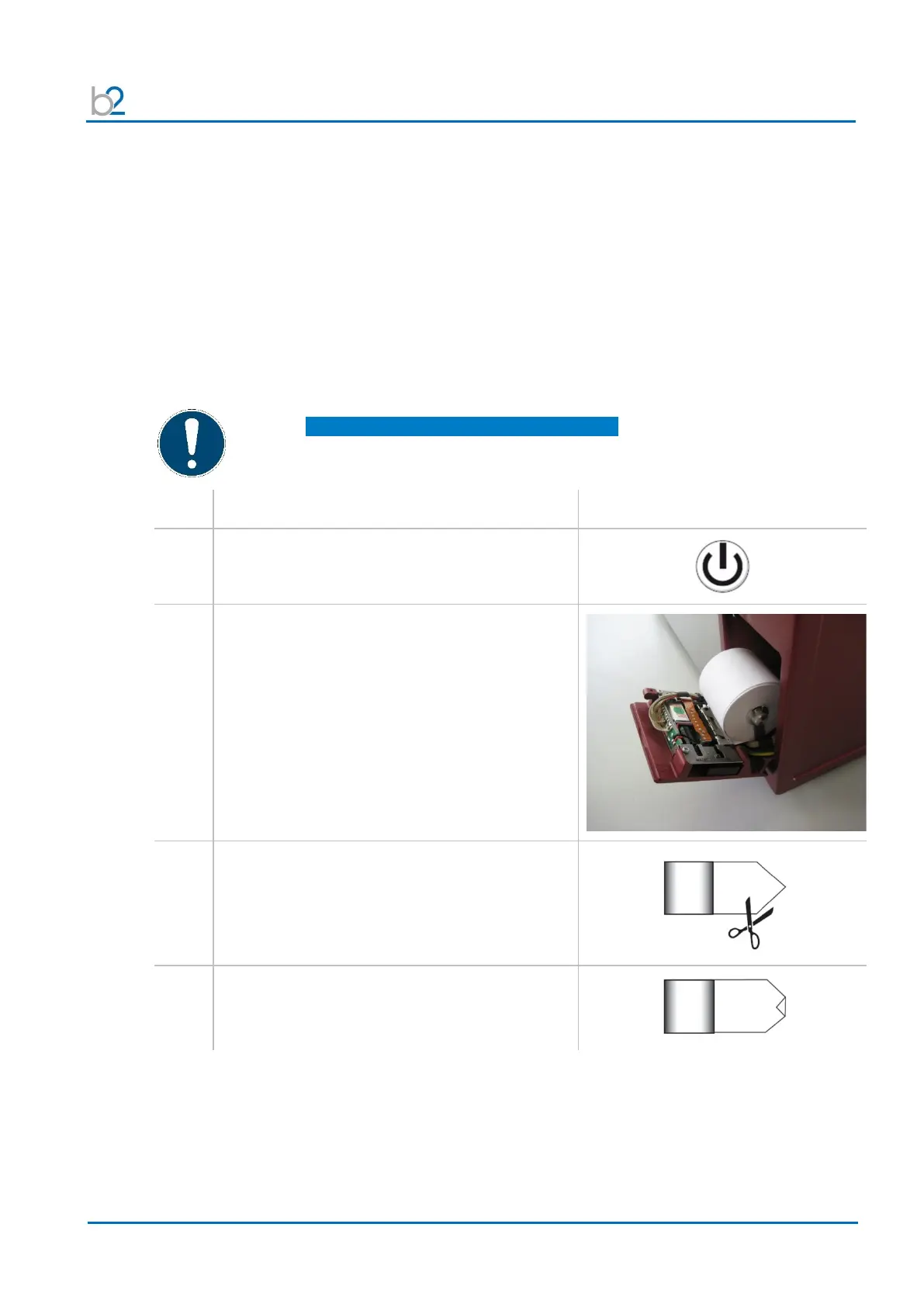
To replace and install the printer roll, adhere to the following recommendations
and instructions:


 To Next Page