Hi Flow Sampler Operation
Instruction 0055-9017
39
1 1 / 2 2 / 0 4 0 9 : 4 5 : 3 0
F l o w ( l p m ) 0 . 0
B a c k ( % ) 0 . 0 0
L e a k ( % ) 0 . 0 0
L e a k ( l p m ) 0 . 0
S p e e d ( L O < > H I )
[ 0 0 0 1 ] ( M ) - 1 -
Speed B
7. Once a stable leak measurement is obtained, all current readings can
be saved in memory by highlighting Save and pressing the I/Okey.
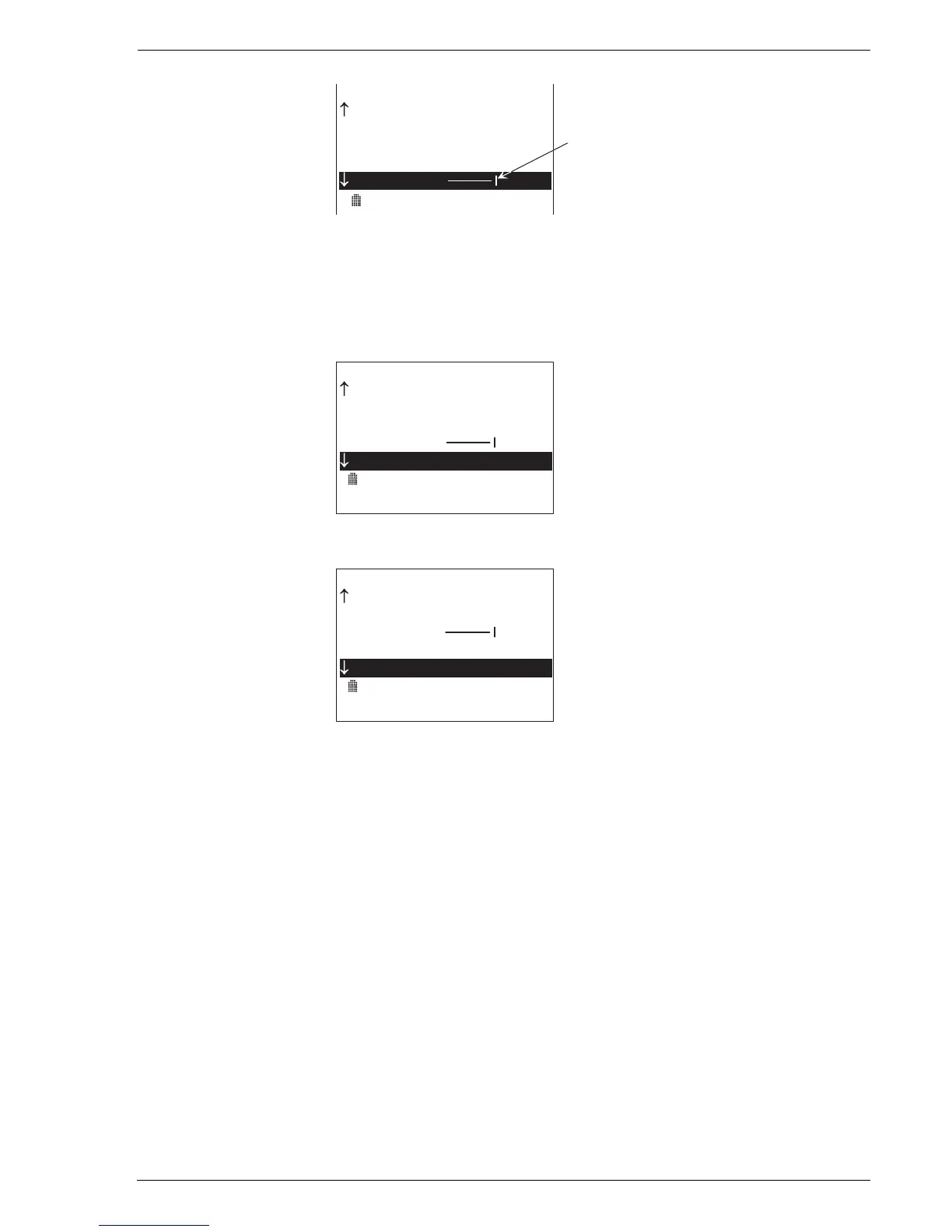
In the example below, the current measured leak concentration is
15% gas, and the calculated leak rate is 42.5 lpm.
1 1 / 2 2 / 0 4 0 9 : 4 7 : 1 5
B a c k ( % ) 0 . 8 0
L e a k ( % ) 1 5 . 0 0
L e a k ( l p m ) 4 2 . 5
S p e e d ( L O < > H I )
S a v e
S a m p l e T i m e - > 0 1 : 4 5
[ 0 0 0 1 ] ( M ) - 1 -
8. The measurement process continues until Stop is selected.
1 1 / 2 2 / 0 4 0 9 : 4 9 : 0 0
L e a k ( % ) 1 5 . 0 0
L e a k ( l p m ) 4 2 . 5
S p e e d ( L O < > H I )
S a v e
S t o p
S a v e
S a m p l e T i m e - > 0 3 : 3 0
[ 0 0 0 1 ] ( M ) - 1 -
9. Measurements that were saved can be downloaded to a personal
computer at a later time for analysis. Refer to Section 3.16 Importing
Saved Data into a Spreadsheet.



 To Next Page