PAGE 78
SERVICE MANUAL
V-Belt Driving System
Clutch Cover:
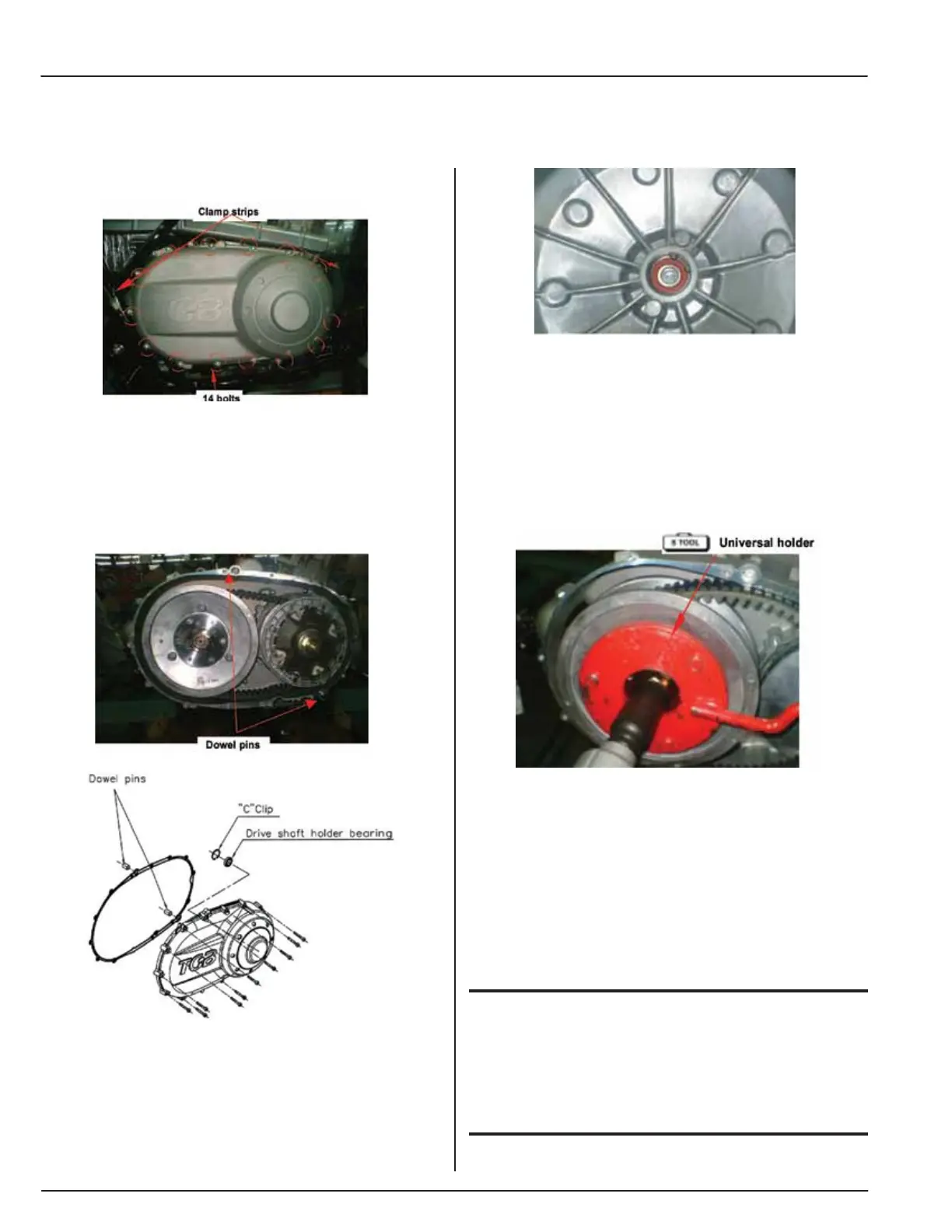
• Remove clutch cover. (14 Bolts)
• Remove the 2 dowel pins and gasket.
• The clutch cover’s 14 bolts are located around the
outside of the clutch cover.
Clutch Cover Install:
• Install left clutch cover in the reverse order of
removal.
Clutch cover inspection:
• Check bearing on clutch cover. Rotate bearing’s
inner ring with fingers.
• Ensure bearings can be turned smoothly and
silently, and bearing outer ring is mounted in
cover tightly.
• If bearing rotation is uneven, noisy, or loose, then
replace it.
Drive Belt:
Removal
• Remove belt cover.
• Hold drive face with universal holder, and remove
nut and drive face.
• Special Tool: universal holder
• Hold clutch outer with universal holder, and
remove nut, and clutch outer.
CAUTION
• Use special service tools for tightening or loosening
the nut.
• Fixed rear wheel or rear brake will damage reduction
gear system.


 To Next Page