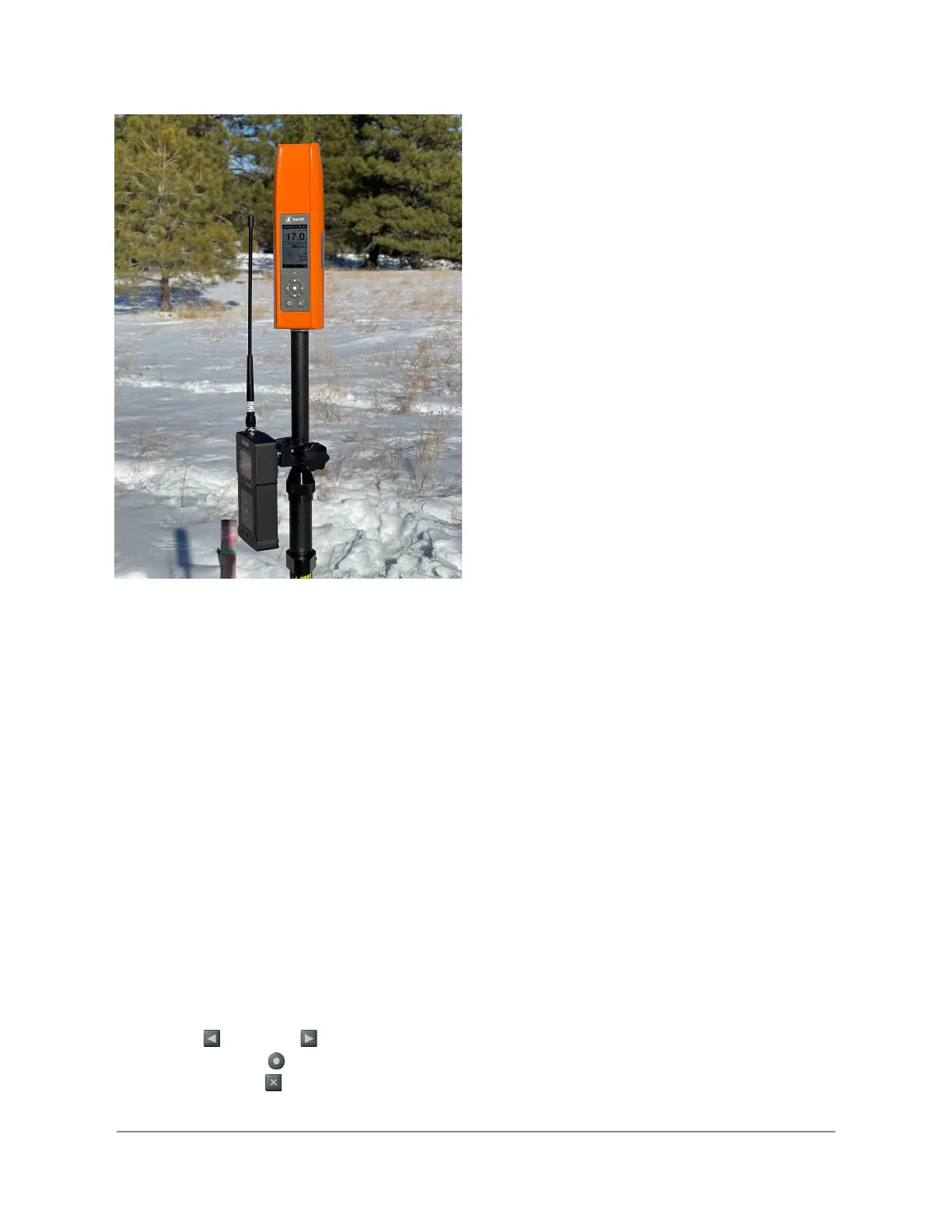
If you are using another antenna or mounting the supplied antenna in another location, ensure
that the antenna is more than 1 meter from the Bad Elf Flex.
Note: To operate in Rover mode, Bad Elf Flex requires either an Extreme unlock or the use of a
Bad Elf Flex token. The Flex app’s checklist screen provides options to consume or purchase a
token if required. The checklist provides you the means to ensure proper operation of all
connections and configurations before consuming a token.
Configuration
Standalone Configuration via LCD
The Bad Elf Flex supports operating in rover mode without the use of a connected app. A
standard checklist interface provides for quick startup and configuration of Flex as an RTK
Rover. Starting the Rover feature enables a high-accuracy collection mode using the standard
Flex logging options include point and track logging.
Navigating the Rover feature
● Left and right arrow buttons select the previous or next display screen
● Enter button selects items or provides a context menu
● Back button returns to the previous item
Copyright © 2022. Bad Elf, LLC. 11
All Rights Reserved.


 To Next Page