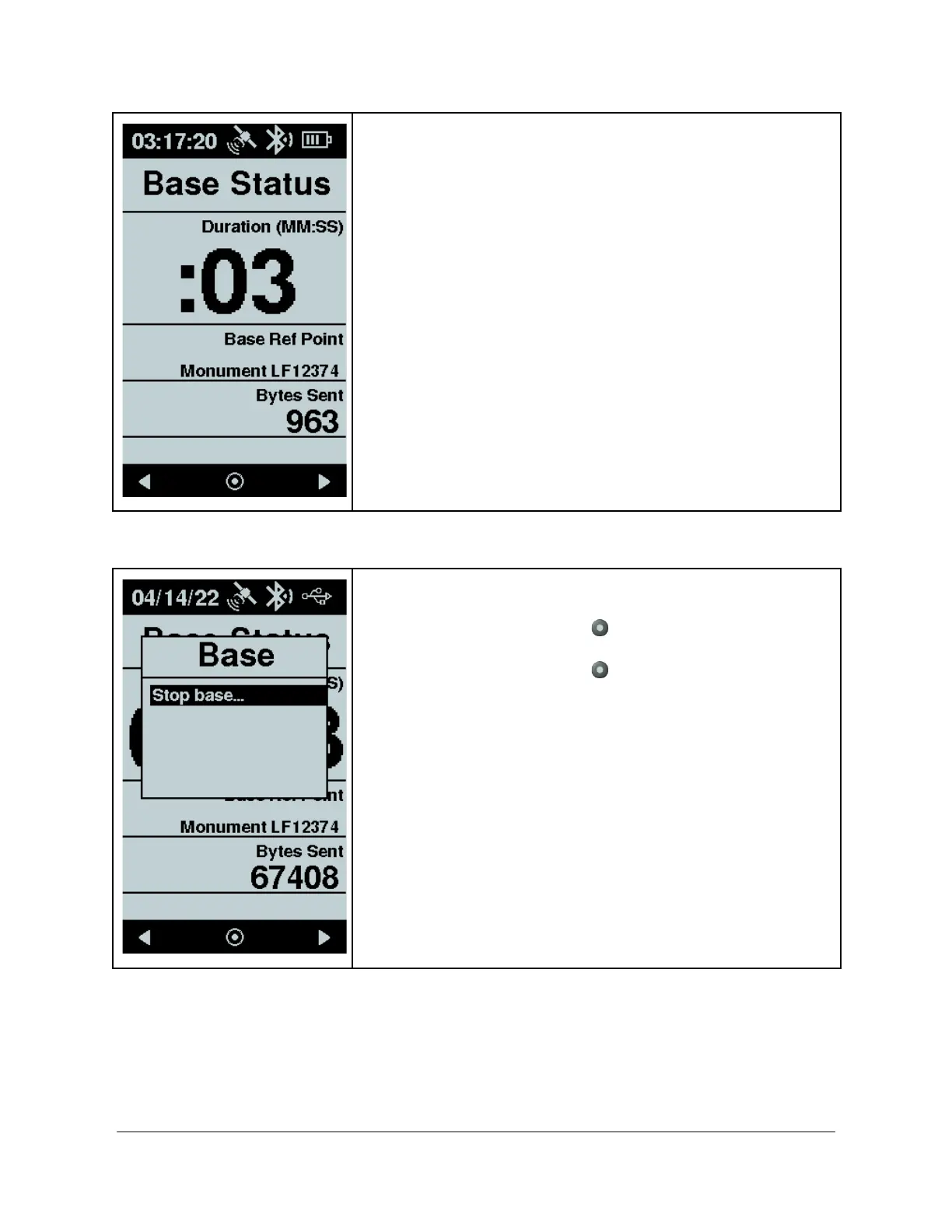
Base Active Screen
When Flex successfully transitions into Base mode, a
simplified UI provides key information for the current Base
session.
● Duration- the amount of minutes and seconds since
activating the Base
● Base Ref Point - the reference point in use as
established during the base reference point selection
● Bytes Sent - a counter of corrections bytes sent since
startup of this Base session. This field updates every
second
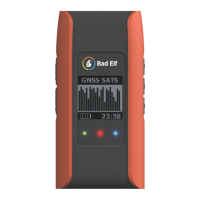
Actions
● Press the enter button brings up a popup menu
with an option to stop the Base.
● Press the enter button to confirm the action


 To Next Page