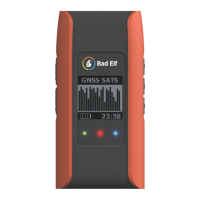
● CHG/STY - power charge indicator:
red when charging, green when the
battery is full
Charging
If there is a manual, replicate the charging instructions. Add external battery charging
Channel Configuration
TBD BH
Programming FCC Call Sign
TBD BH
Bluetooth Connection
In order for Bad Elf Flex to operate as a base or rover, you
must establish a bluetooth pairing between the radio and the
Flex.
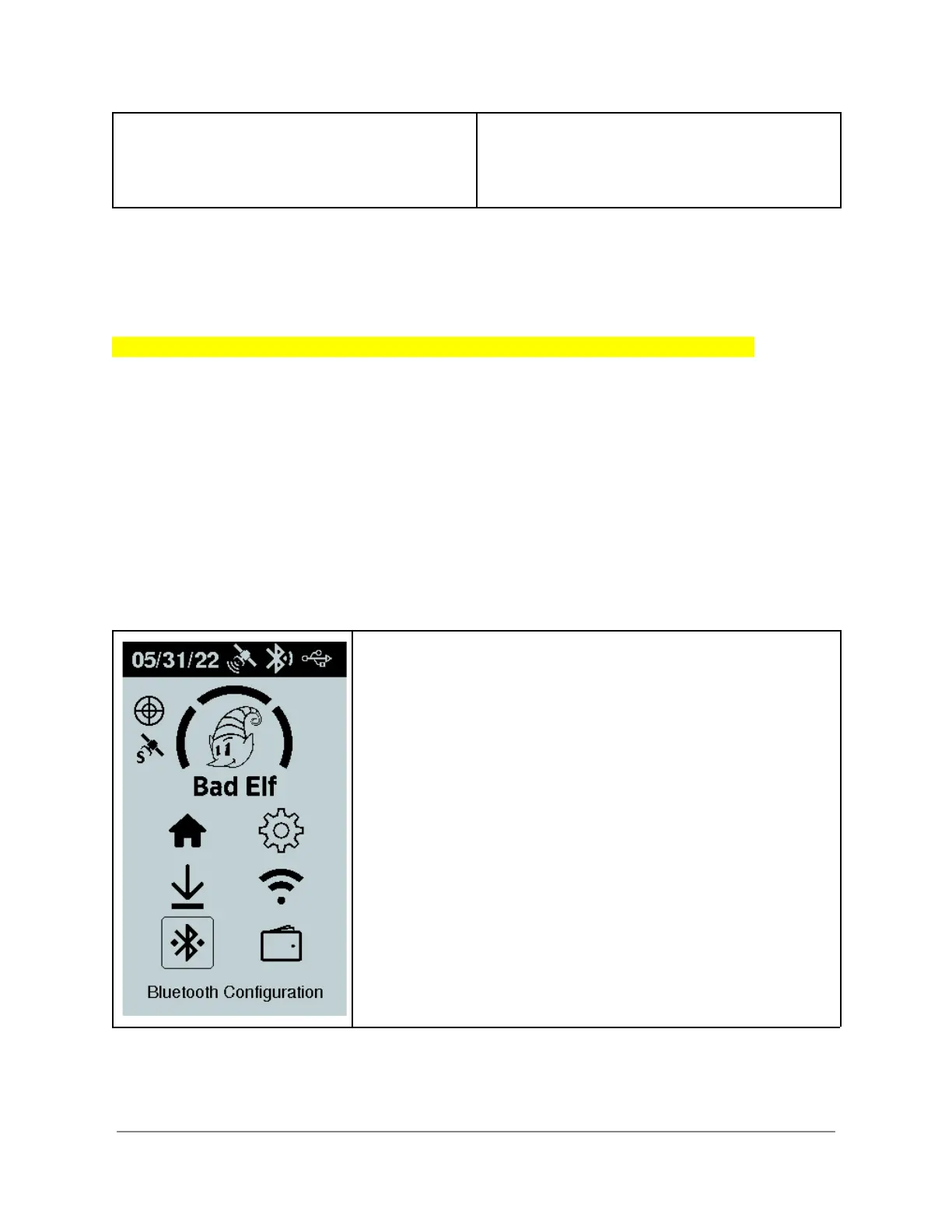
Select the Bluetooth Configuration option from the main menu
of the Bad Elf Flex.
Tip: Your Bad Elf Flex will remember the last radio it was
paired with. We suggest using color coded stickers on the
radio and the Flex as a reminder of which radio is already
paired with the Flex.
Copyright © 2022. Bad Elf, LLC. 6
All Rights Reserved.



 To Next Page