channel spacing selectable to be in 12.5 or 25 kHz. This lightweight transceiver is equipped
with an OLED display, menu operation enabled, interference detection, remote control, and
exceptional receiving performance. This radio is ideally used for wireless correction data
transmission in applications of GNSS/RTK surveying.
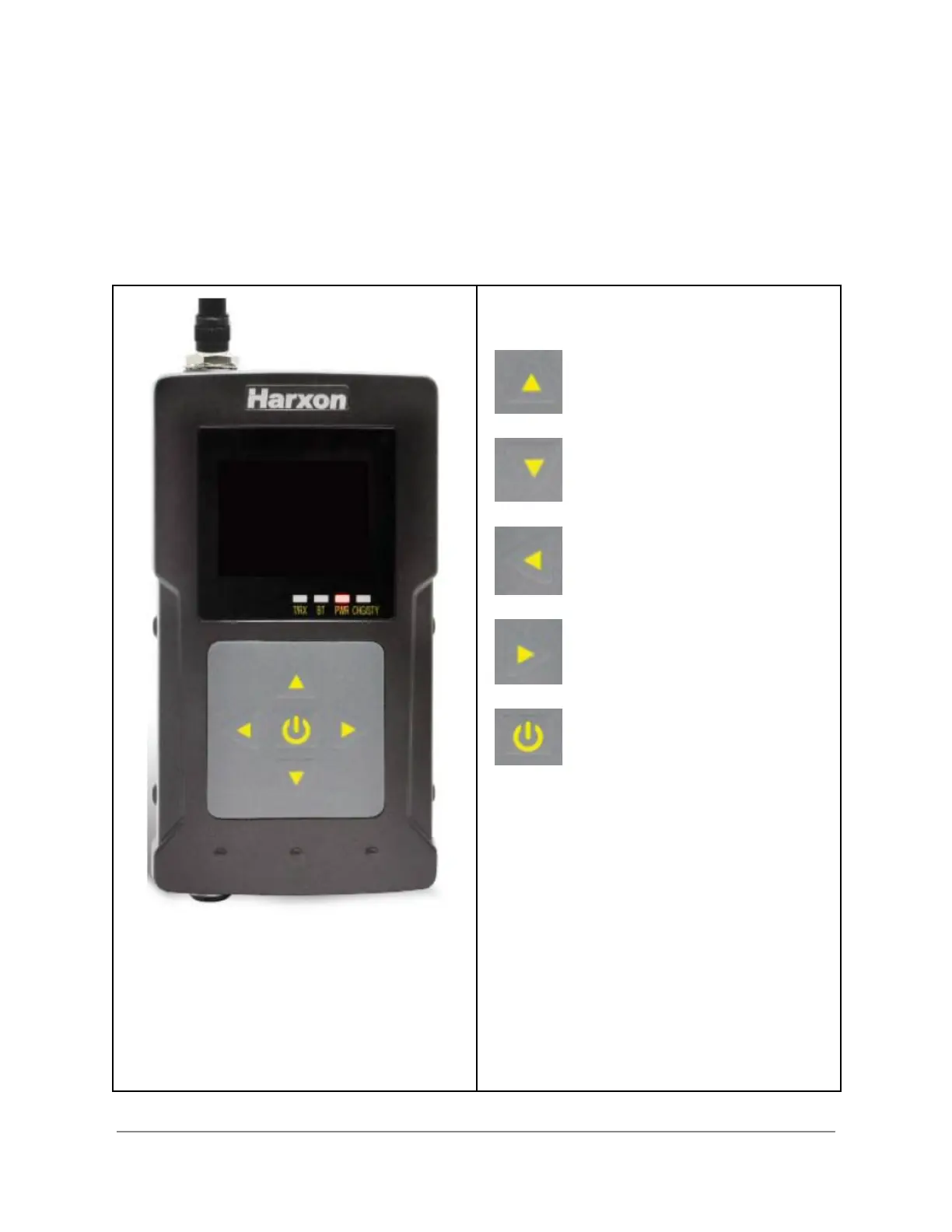
Radio Controls and Indicators
Powering On/Off
● Long press the power button for 3-5
seconds to boot, Power indicator light
shows red .
● Long press the power button for 3
seconds to shutdown.
LED Indicators
● T/RX - wireless transceiver indicator
light: green when receiving,red when
transmitting
● BT - green when Bluetooth online
● PWR - red when powered on
Copyright © 2022. Bad Elf, LLC. 5
All Rights Reserved.


 To Next Page