14
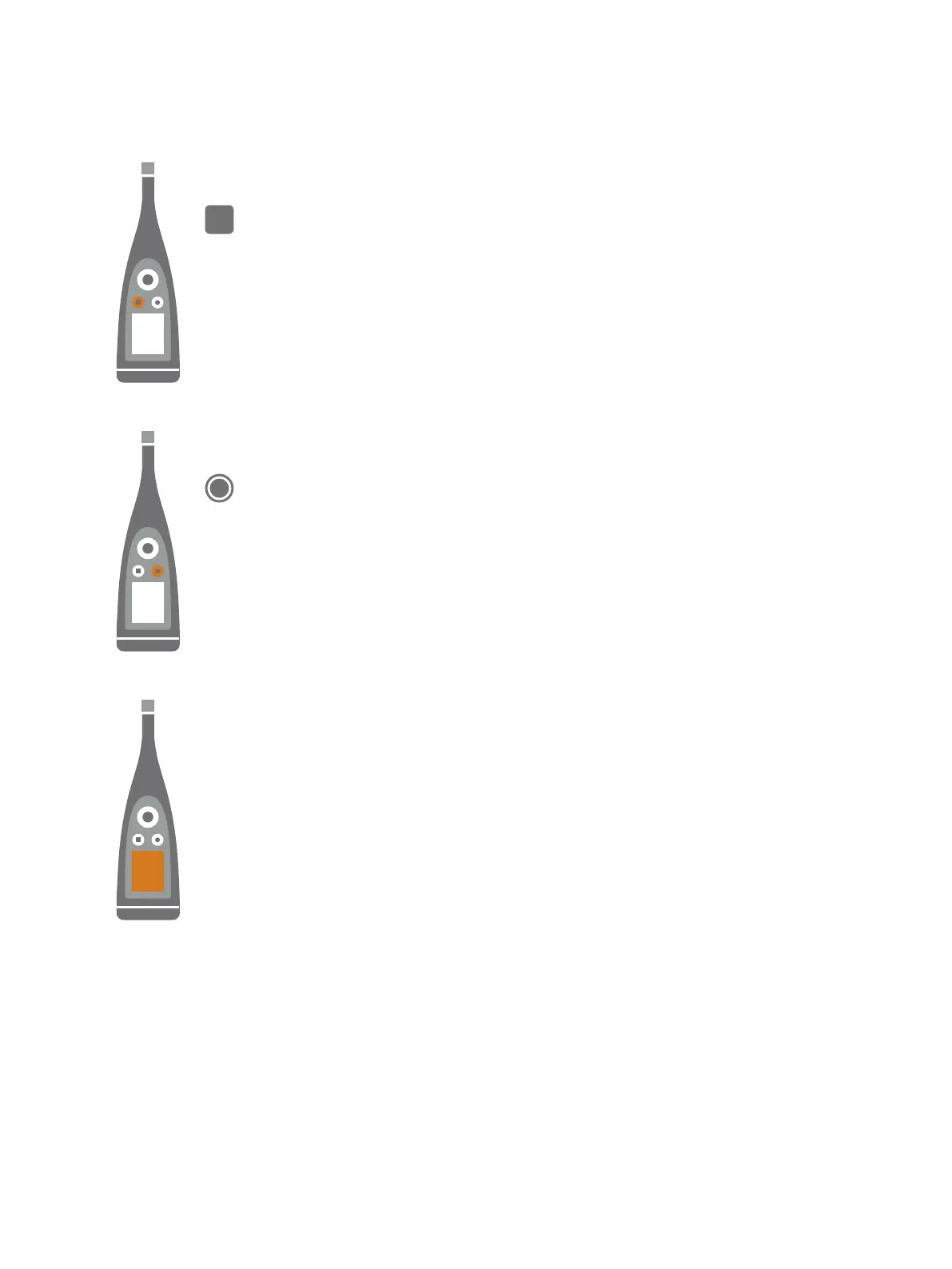
is the stop/reset button.
Press the button once to stop a measurement. At this point, averaged measurement parameters will
stop updating and you can review the results. Press the button again to clear the results and reset the
instrument for the next measurement. Data is saved automatically.
is the start/pause button.
Press the button once to start a measurement, press it again to pause the measurement, press it a
third time to resume the measurement.
The screen displays sound levels and the menu.
Get Started: Hardware Interface



 To Next Page