63
MEASUREMENTS
Make a Measurement
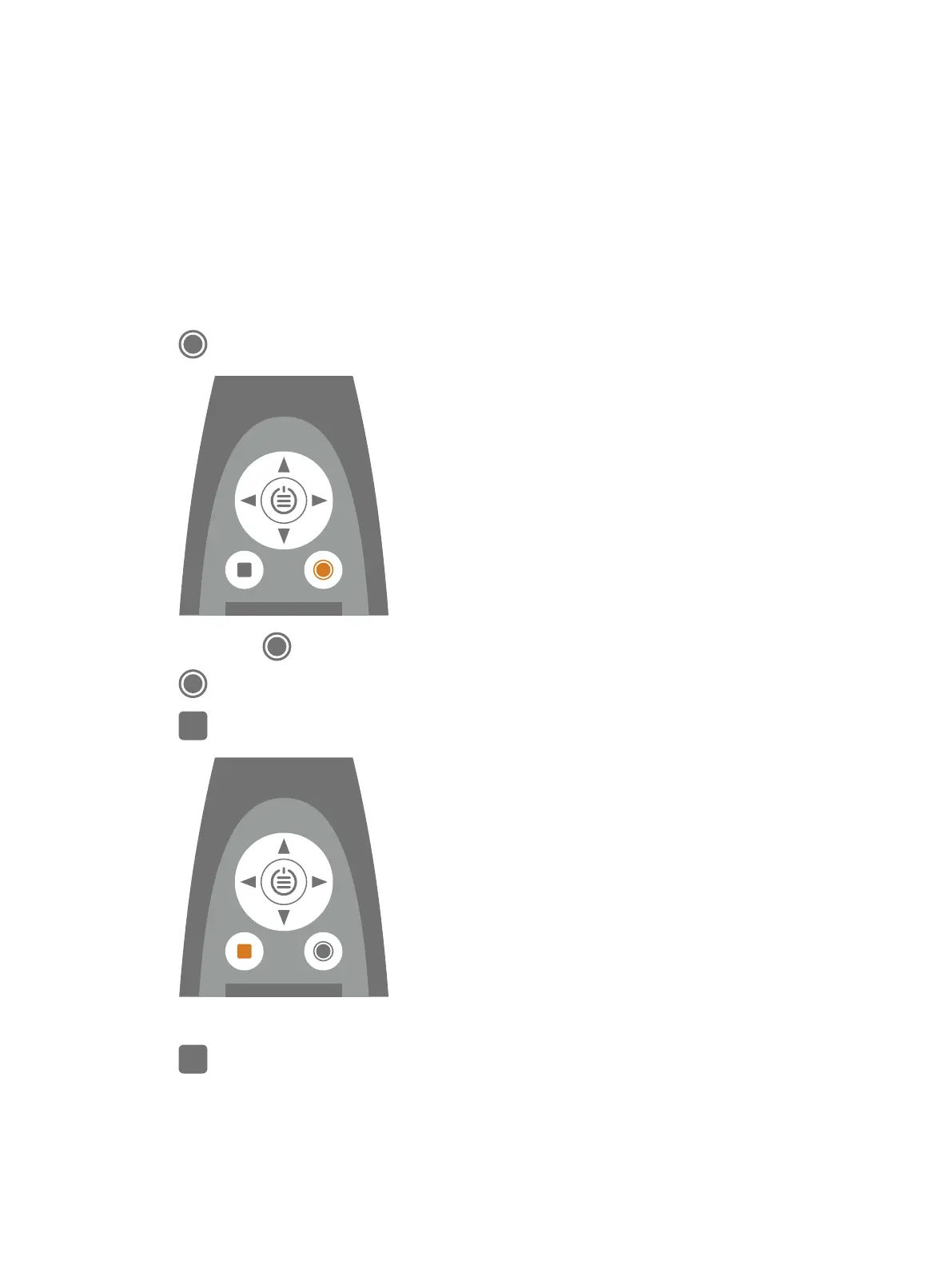
The exact steps of a measurement will vary depending on the settings you use in Measurement control.
A basic overview is as follows:
1.
Press to start a measurement.
2.
If necessary, press to pause.
3.
Press to resume.
4.
Press to stop the measurement.
At this point, you can review the results of the measurement.
5.
Press again to clear the data from the last measurement and return the instrument to its ready state.
Measurements: Make a Measurement



 To Next Page