66
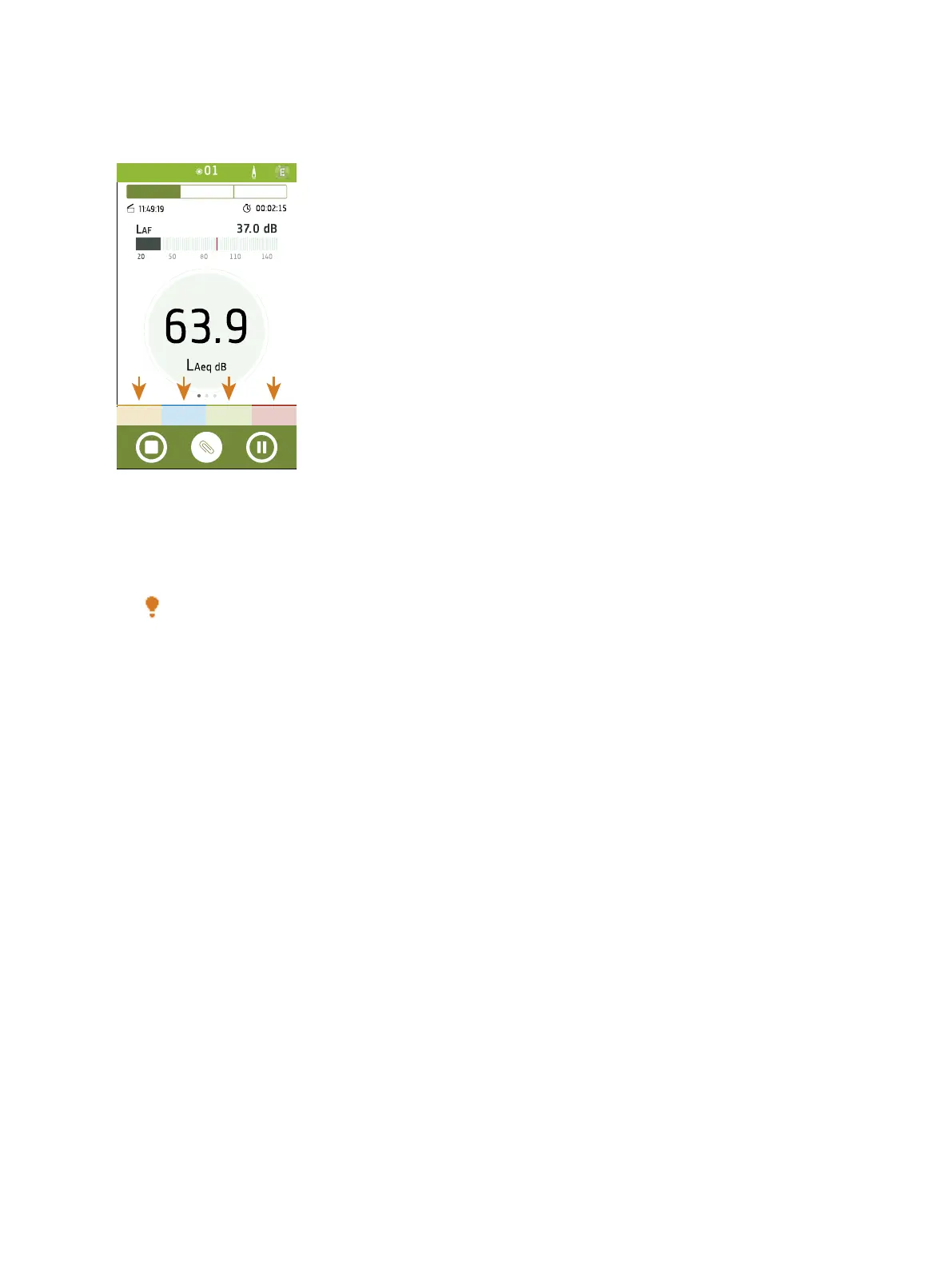
How to Add a Marker
✐ Note: To enable markers for a measurement, make sure that Logging mode is set to Enabled.
1.
Tap a marker at the start of an event.
Hint: Tap a marker to start a measurement if the instrument is not measuring.
2. Tap the marker at the end of the event.
3. Repeat as needed.
How to Remove a Marker
You can remove markers from measurements using the mobile app during or after a measurement.
1. In the profile view of a measurement, tap a marker.
2. Tap Delete Marker.
Measurements: Place Markers



 To Next Page