28
Troubleshooting Connection Problems
l Check that the instrument is set to act as a hotspot (System settings > Network settings > Wi-Fi settings > Wi-Fi
mode)
l
Check that the instrument is generating a hotspot, it will show
l Check that Wi-Fi is enabled on the mobile device
l Make sure that the two devices are within range
l Try turning Wi-Fi off and on again on the mobile device
l Try re-entering the network password on the mobile device. You may have to forget the network first
l
If you get an invalid password error message on the mobile device when trying to connect to the instrument hot-
spot, try rebooting the instrument
Mobile App GUI
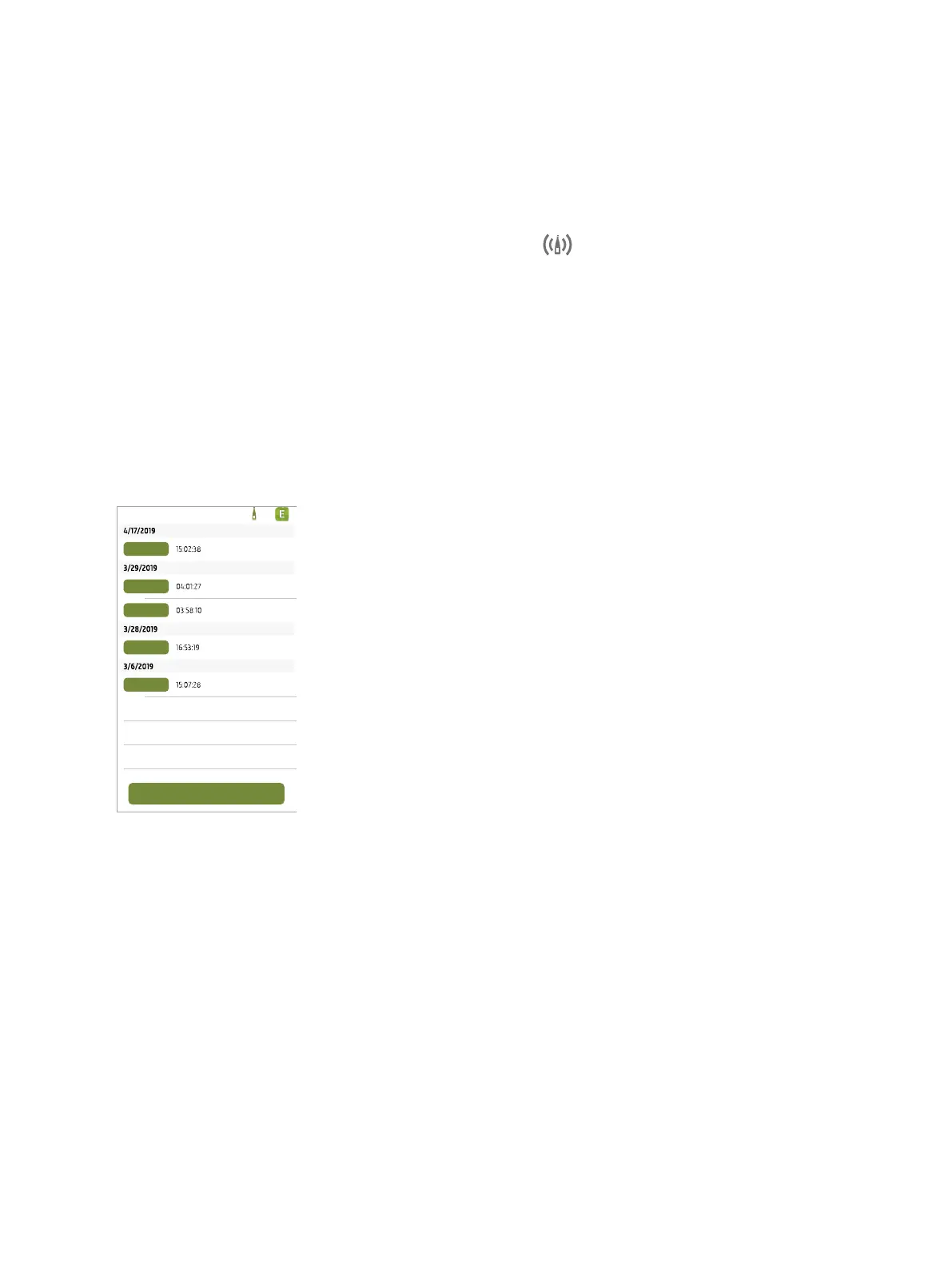
Once the mobile app and instrument are connected, the Enviro Noise Partner
mobile app opens to the project list. Projects are organized by date and time.
Tap an existing project to open it. Swipe left to delete a project. Tap Create new pro-
ject to start a project.
Get Started: Mobile App GUI



 To Next Page