78
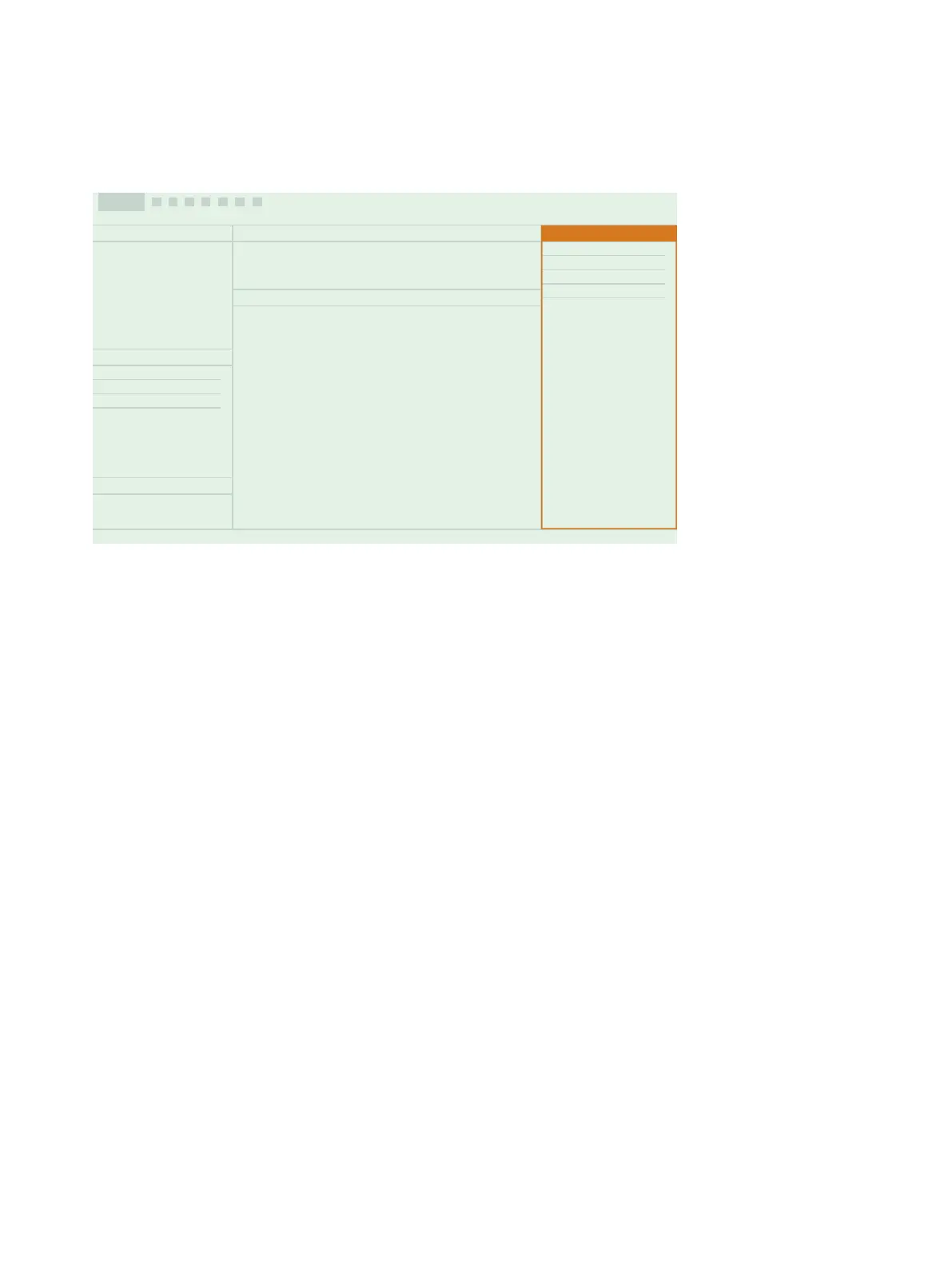
In this panel, you will find collapsible windows for viewing data and your annotations.
l Spectrum: View frequency analysis data
l Gallery: View photos and videos attached to the measurement
l Commentaries: Listen to voice memos attached to the measurement
l Notes: Read the notes attached to the measurement
l Marker Settings:Edit the name and function of the markers for the project
Import a Project
Projects that are made using the mobile app are stored on the instrument. You can import the entire project to the PC
app from the instrument.
✐ Note: If you have set up the instrument to store a backup of its data on network storage or USB stick, you can import
projects from the storage location.
You will need:
l The PC app installed on your computer
l A project that has been created using the mobile app
How to Import a Project
1. Open the PC app.
2.
Connect the instrument to the computer using the cable.
Use the PC App: Import a Project



 To Next Page