65
Use the App to Make a Measurement
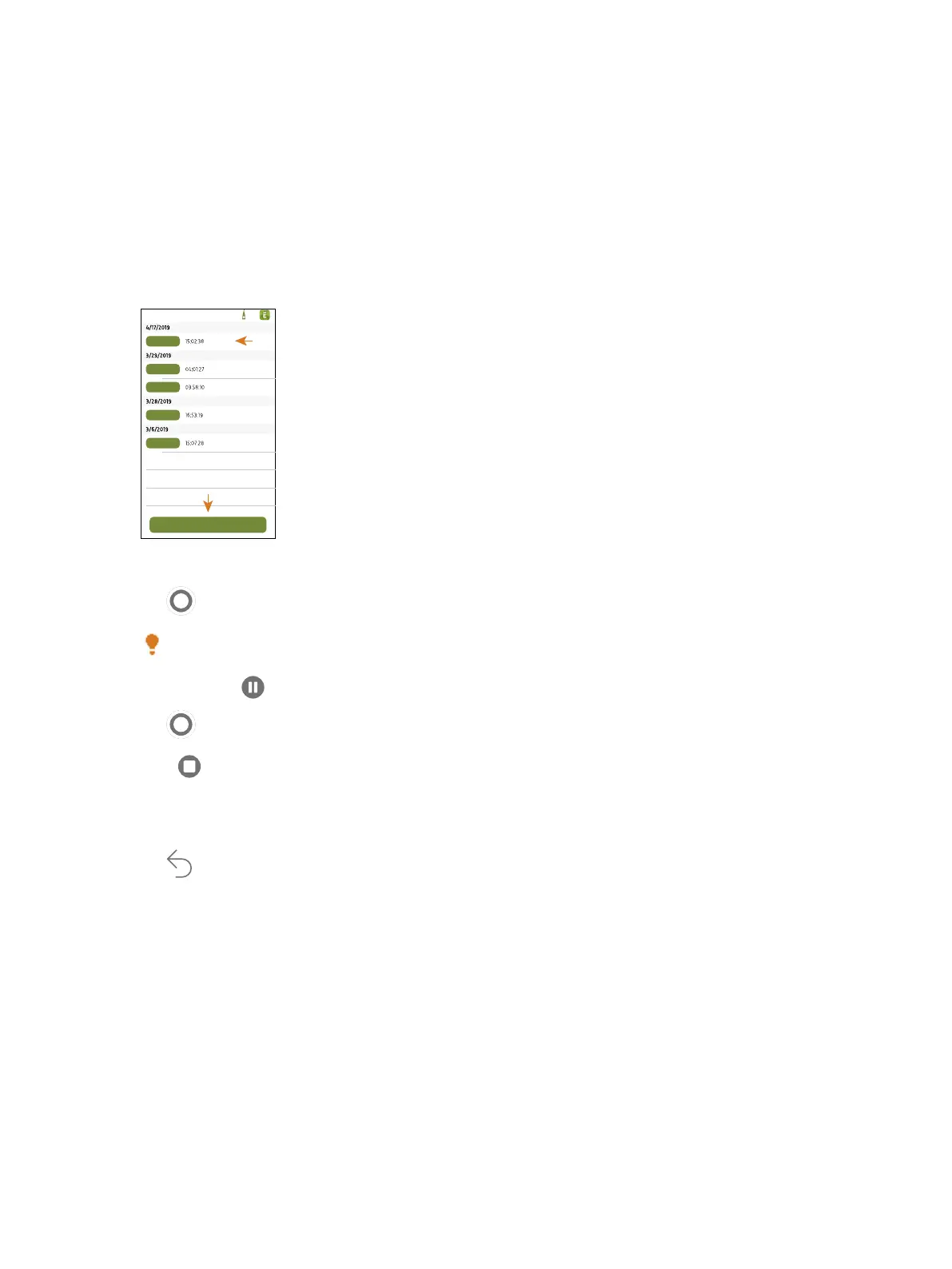
The exact steps of a measurement will vary depending on the settings you use in Measurement control.
A basic overview is as follows:
1.
Open an existing project or create a new one.
2.
Tap Measure.
3.
Tap to start a measurement.
Hint: You can also start a measurement by placing a marker.
4.
To pause, slide to the left.
5.
Tap to resume.
6.
Slide to the right to stop the measurement.
✐ Note: It will not be necessary to stop the measurement if you specified a measurement time in Meas-
urement control.
7.
Tap to reset the analyzers for the next measurement.
✐ Note: Measurement data is only stored on the instrument.
Place Markers
You can use all four markers multiple times in each logging measurement.
Measurements: Use the App to Make a Measurement



 To Next Page