58
CREATE A PROJECT
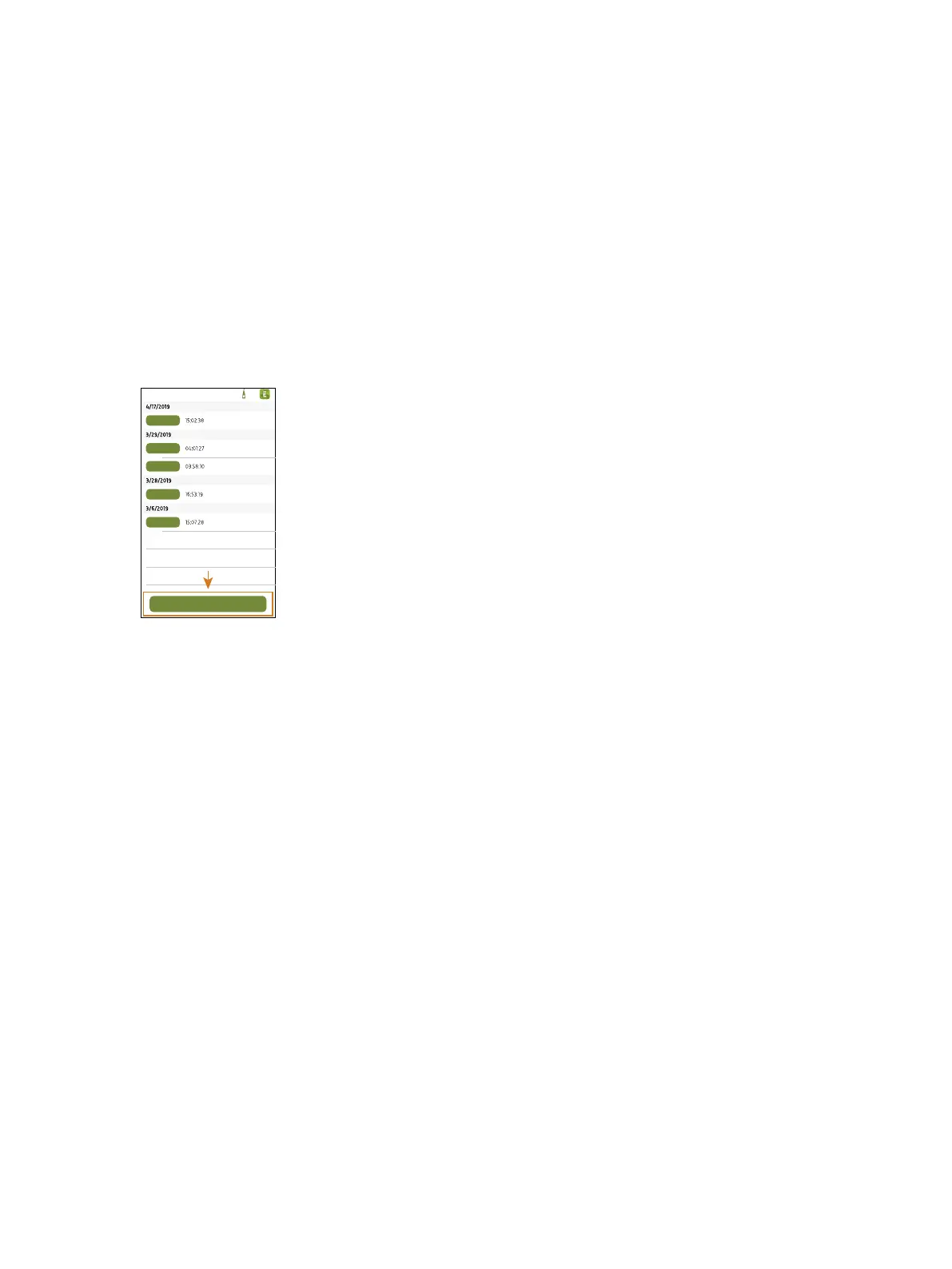
Projects are collections of measurements, markers and annotations.
Projects are named incrementally and organized by date and time. Projects are stored on the instrument and trans-
ferred to the PC app for post-processing (analysis and report generation).
To start a new project:
1. Connect the mobile app to the instrument.
2.
Tap Create new project.
Once you create a project, open the project to add measurements and set up markers.
How to Delete a Project
In the list of projects, swipe left on a project and select Delete.
Add Past Measurements
You can add past measurements that are stored on the instrument to any project.
Create a Project: How to Delete a Project



 To Next Page