82
How to Import Measurements
1.
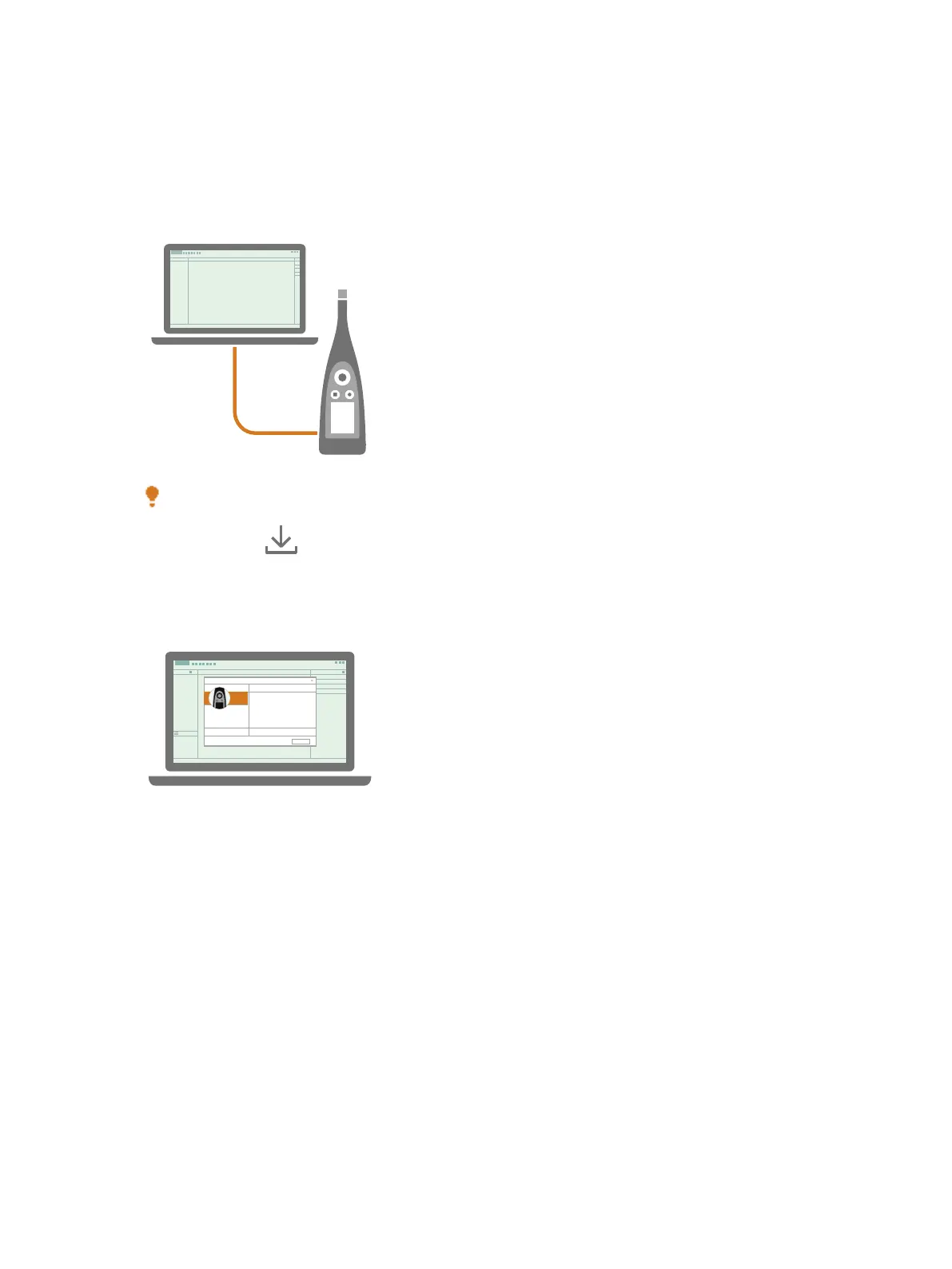
Connect the instrument to the computer using the cable.
Hint: Instead of using a cable, connect the two devices to the same network using Wi-Fi®.
2.
In the PC app, click .
3.
Find your instrument in the import dialog and select it.
✐ Note: To import from a backup, click on the storage location.
4. Click Measurements/Annotations.
5.
Select the data you want to transfer.
Use the PC App: Import Measurements



 To Next Page