67
ANNOTATIONS
Use the mobile app to add notes to your measurement.
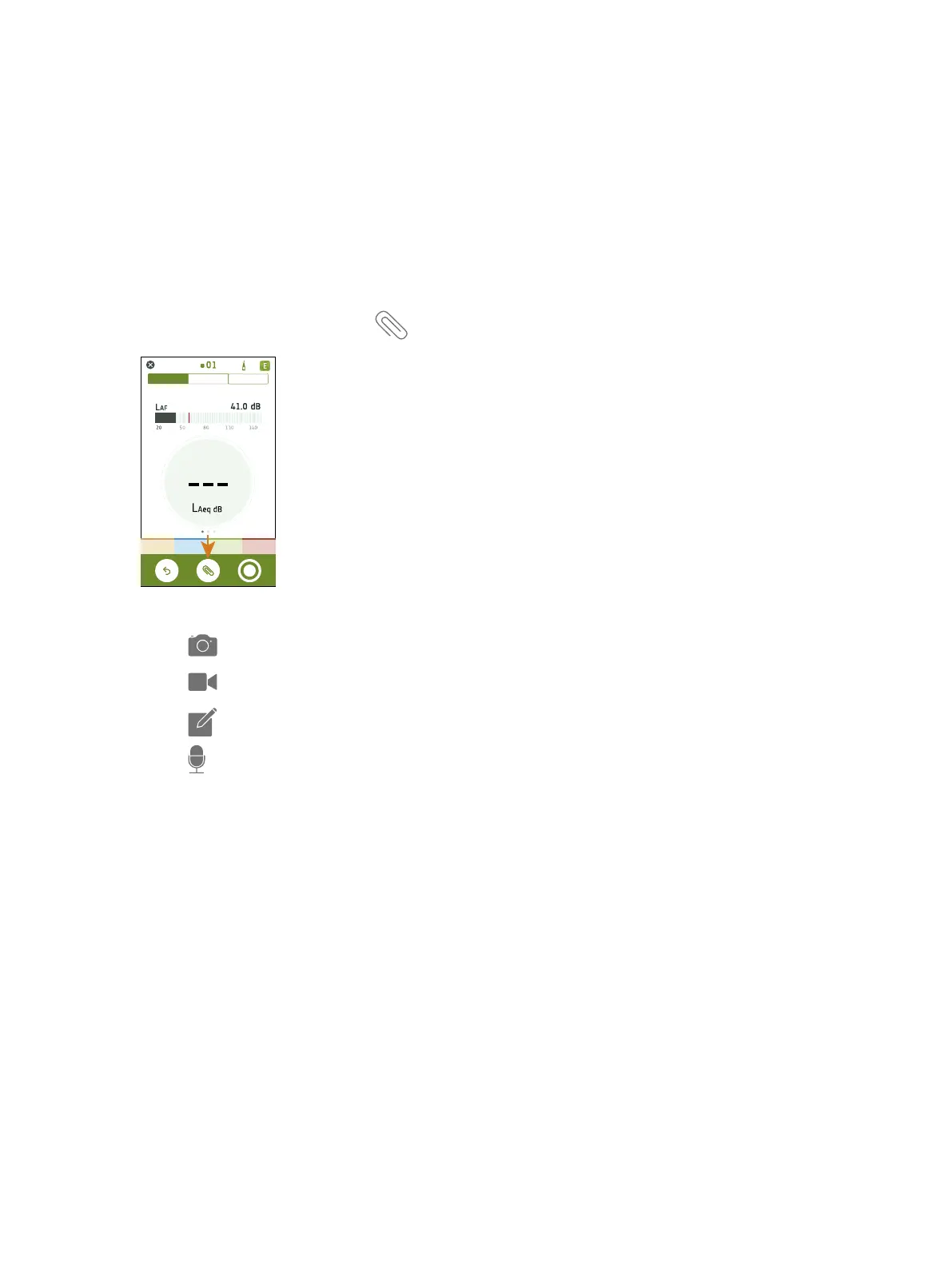
How to Make Annotations
1.
From the measurement screen, tap .
2.
Choose the kind of annotation you want to add:
l
: Photos
l
: Videos
l
: Notes
l
: Commentaries
3.
Snap a photo, make a recording or write a note.
4. Repeat as needed.
✐ Note:
l You can also use photos and video from the gallery on your mobile device by selecting the gallery icon when the
camera is open
l To delete an annotation: go to Annotations, swipe left on the unwanted annotation and tap Delete
You can make annotations before, during and after measurements. Annotations made during a measurement upload to
the instrument automatically and are stored with the measurement data to which they belong. Annotations made
before and after measurements will be stored on the instrument as unattached annotations, you can attach them to a
measurement in the mobile app or the PC app.
Annotations : How to Make Annotations



 To Next Page