BeoLink Converter NL/ML setup examples 22
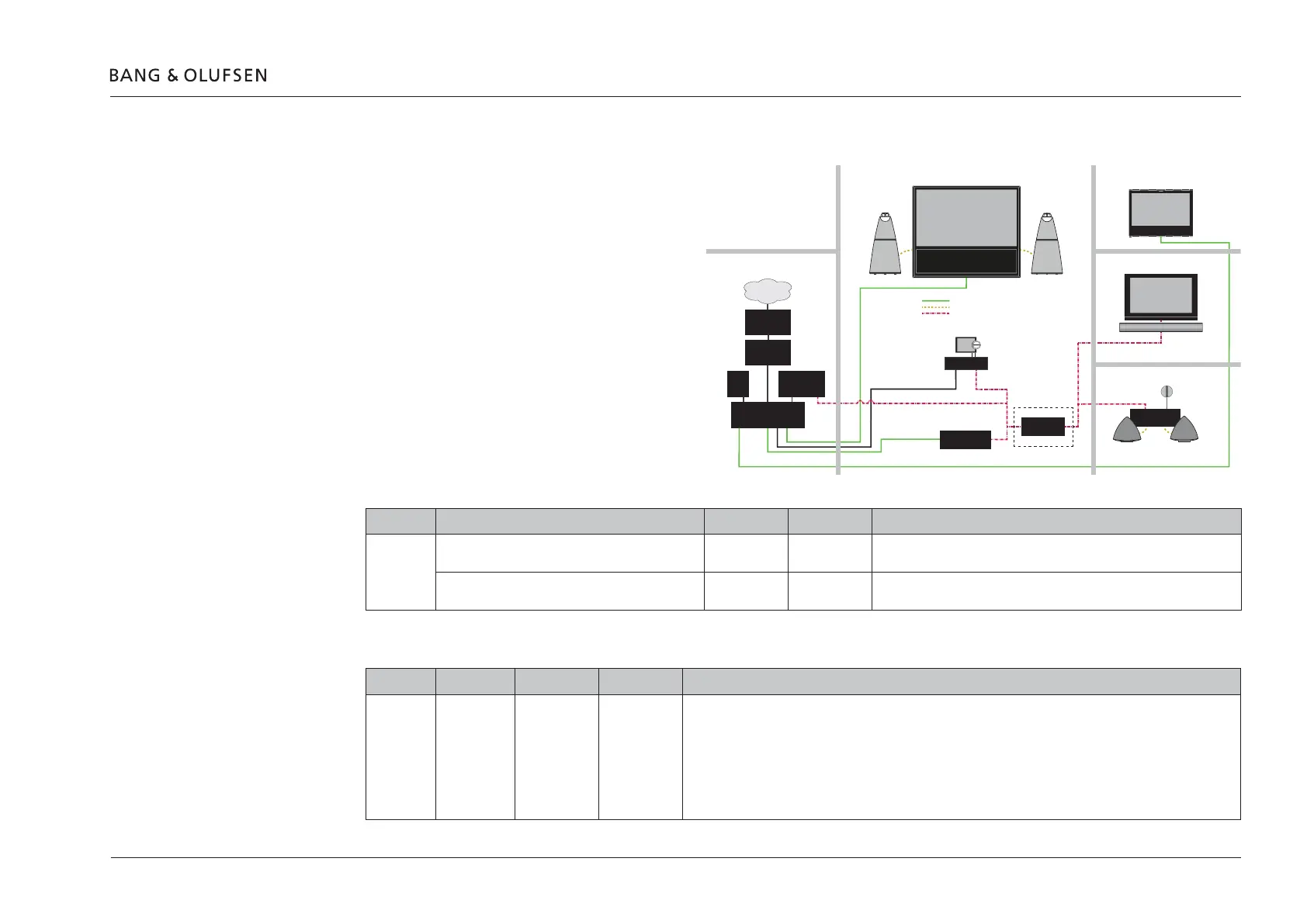
Example 3 (Network Link and Master Link setup)
Synchronized sound distribution between all link
rooms.
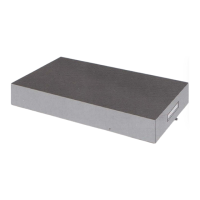
! The NL/ML Delay Box is optional. Mount a NL/ML
Delay Box for echo free audio source distribution.
Conguration > Settings
MasterLink
ML enabled: Checked (MasterLink enabled)
ML role: V Master
Share speaker table
Question in Network Link TV Living room Other rooms Comments
Example 3 IS BeoLink Converter NL/ML IN SAME ROOM AS THIS
TELEVISION?
YES NO
Select whether or not the Audio Master (BeoMaster5) and not the BeoLink
Converter NL/ML is in the same room as the TV.
DO YOU WANT TO USE THE TV SPEAKERS AS THE
ONLY SPEAKERS FOR BeoLink Converter NL/ML?
YES -
Select whether or not the TV speakers should be shared and used as the
only speakers for the Audio Master (BeoMaster5).
BeoLink Converter NL/ML connect to table
BLC Primary Secondary Comments
Example 3 BLC Living
room
BV11 BLC Living
room
To Power Link:
- None
To Network Link:
- Audio sources from living room (BS5)
- AUX (line in) from local product
To Master Link
- Sound from video sources from living room (BV11)
BeoVision 11
Network Link
BS5
Power Link = Yellow
Master Link = Red
BeoMaster 5
ML Gateway
NL/ML Delay Box
BeoLink Converter
NL/ML
BeoLink Active
BeoVision 7
Master Link
Bedroom
Kitchen
Living room
Technical room
Library
Network Link = Green
Office
Internet
ISP Router
Network Link
router
Switch
NAS
server
BeoPlay V1
Network Link
Optional
IN
OUT



 To Next Page
 Loading...