BeoLink Converter NL/ML setup examples 26
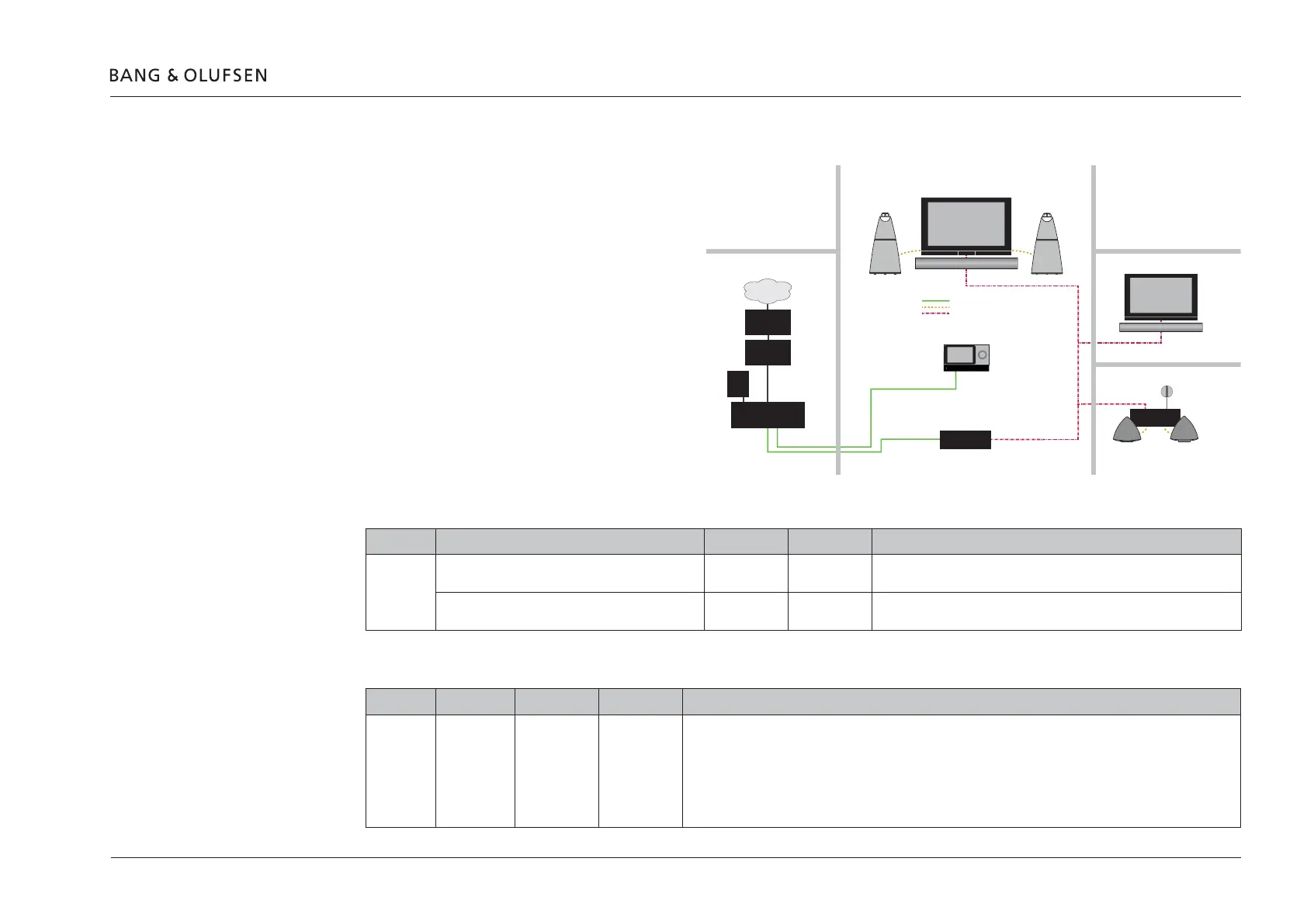
Example 6 (Network Link and Master Link setup)
Synchronized sound distribution between all link
rooms.
Conguration > Settings
MasterLink
ML enabled: Checked (MasterLink enabled)
ML role: A Master
Share speaker table
Question in Network Link TV Living room Other rooms Comments
Example 6 IS BeoLink Converter NL/ML IN SAME ROOM AS THIS
TELEVISION?
- -
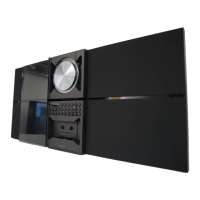
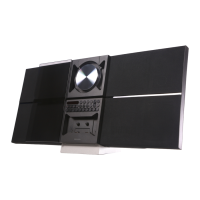
Living room Master TV (BV7) share speakers with Audio Master (BeoSound
Moment), because of BLC primary settings.
DO YOU WANT TO USE THE TV SPEAKERS AS THE
ONLY SPEAKERS FOR BeoLink Converter NL/ML?
- -
BeoLink Converter NL/ML connect to table
BLC Primary Secondary Comments
Example 6 BLC Living
room
BS Moment BLC Living
room
To Power Link:
- None
To Network Link:
- None
To Master Link
- Audio sources from living room (BS Moment)
Power Link = Yellow
Master Link = Red
BeoLink Converter
NL/ML
BeoLink Active
BeoVision 7
Master Link
BeoVision 7
Master Link
BS M
Bedroom
Kitchen
Living room
Technical room
Library
Network Link = Green
Office
Internet
ISP Router
Network Link
router
Switch
NAS
server



 To Next Page
 Loading...