R5900103 /00 C-10, C-576
6.8 Peripherals
Overview
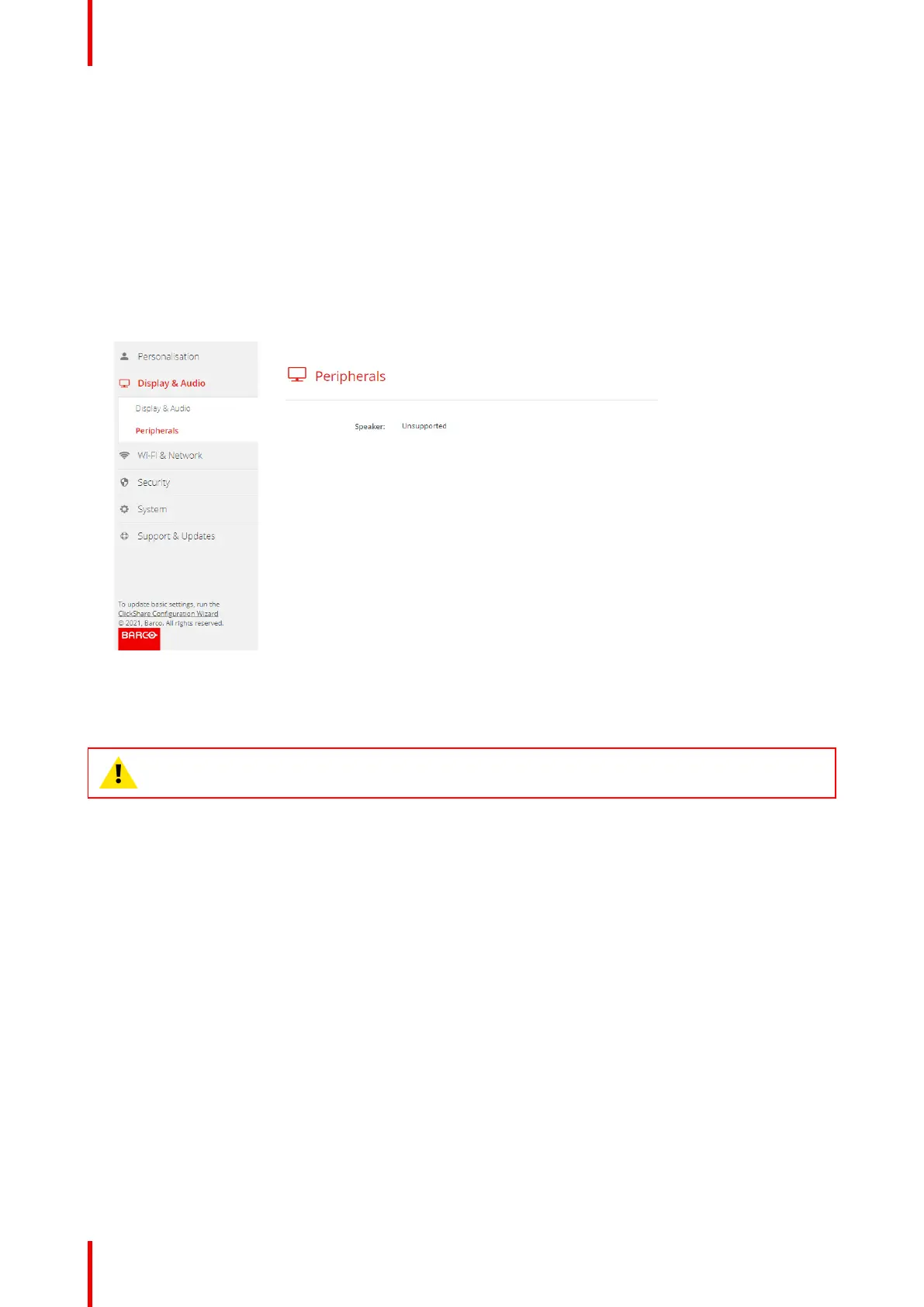
Information about the speaker is given in the Peripherals pane.
How to get
1. Log in to the Configurator.
2. Click Display & Audio → Peripherals.
Information about the speaker is given.
Image 6–15
6.9 Wi-Fi settings
WARNING: It is not allowed to operate the Base Unit outside its intended geographical region.
About
The operational mode of the Wi-Fi setting can be set in 3 different modes:
• Access point
• Wireless client
• Off
Change operational mode
1. Log in to the Configurator.
2. Click Wi-Fi & Network → Wi-Fi Settings.
C-10, C-5 Configurator



 To Next Page