07-19-61-244 October 2, 2009 HomeChoice APD Systems Patient At-Home Guide 18-61
18. Troubleshooting
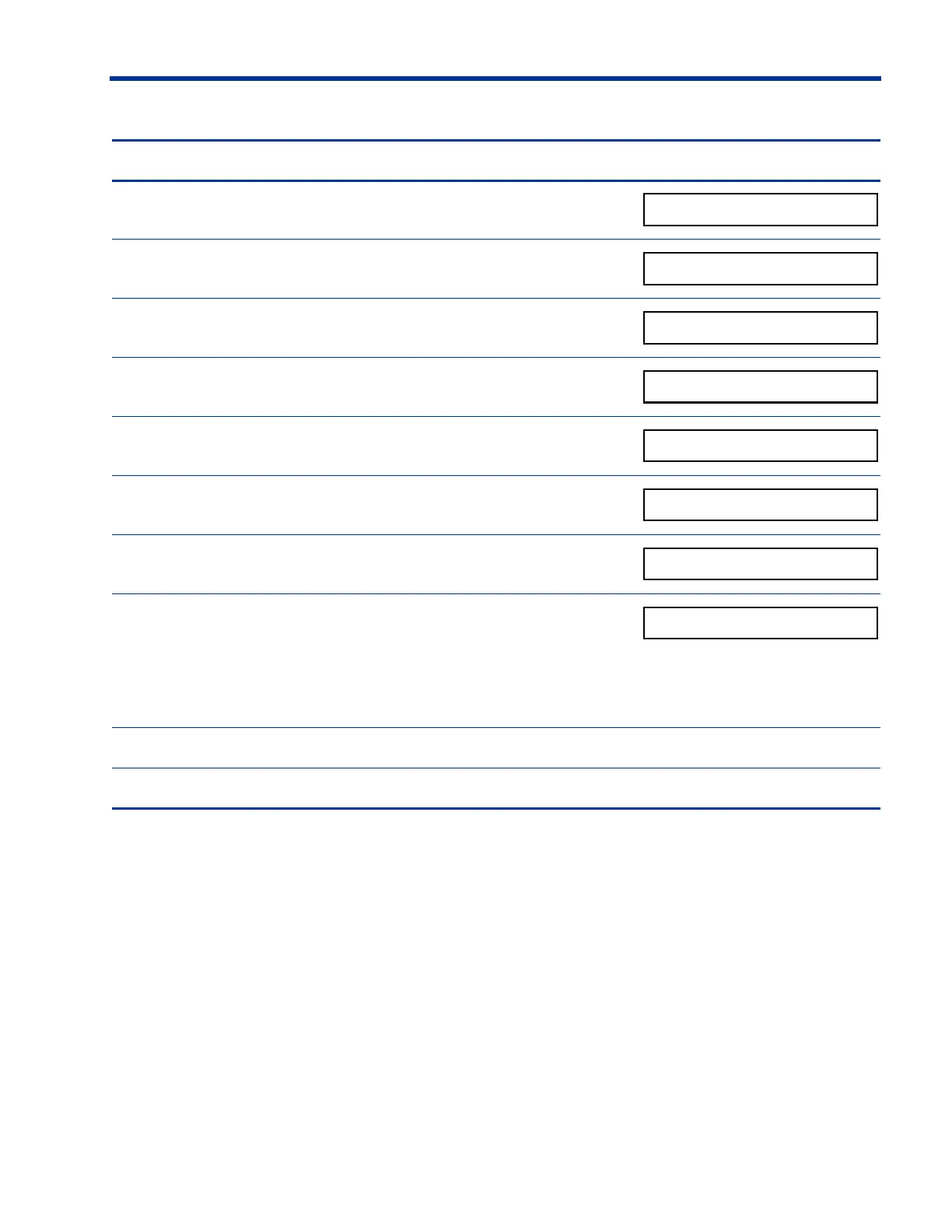
Steps to perform a Manual Drain Display screen
The current FILL phase appears on the display screen.
1. Press
STOP.
2. Press V.
3. Press
V.
4. Press
V.
5. Press
V.
6. Press
V.
7. Press
ENTER.
The display screen shows the Drain volume. The
system continues to drain until flow is no longer
detected.
8. Press
GO to return to therapy.
9. Reinitiate a Manual Drain if it is stopped during Fill.




 To Next Page