MX87QD User’s Manual
MX87QD User’s Manual
67
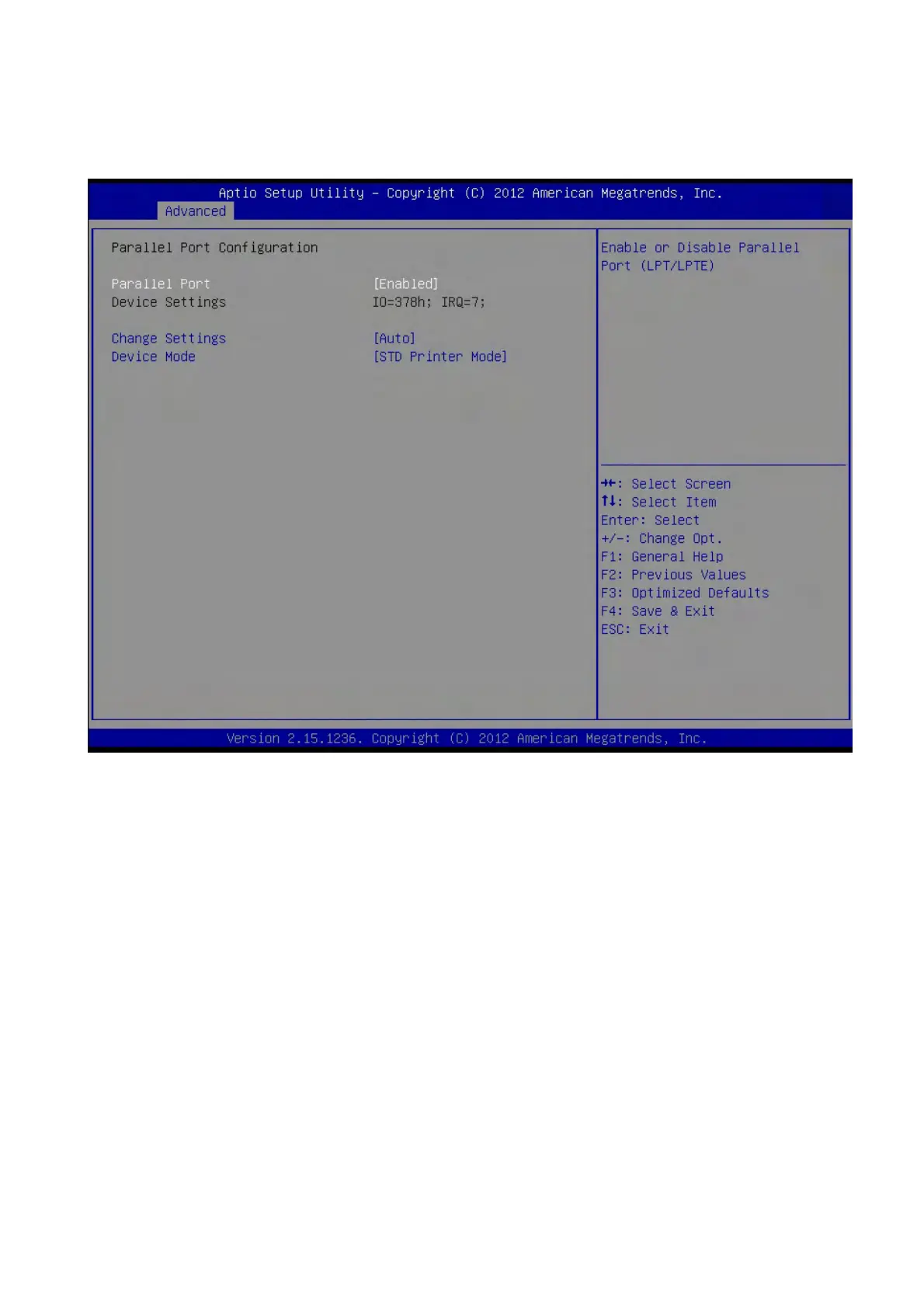
2.4.9.5 Parallel Port Configuration
Parallel Port [Enable]
Use this item to enable or disable the onboard parallel port.
Configuration options: [Disabled] [Enabled]
Change Settings [Auto]
Use this item to select an optional setting for Super IO device.
Configuration Options : [Auto]
[IO=378h; IRQ=7]
[IO=378h; IRQ=5,6,7,9,10,11,12]
[IO=278h; IRQ=5,6,7,9,10,11,12]
[IO=3BCh; IRQ=5,6,7,9,10,11,12]



 To Next Page