MX87QD User’s Manual
84 MX87QD User’s Manual
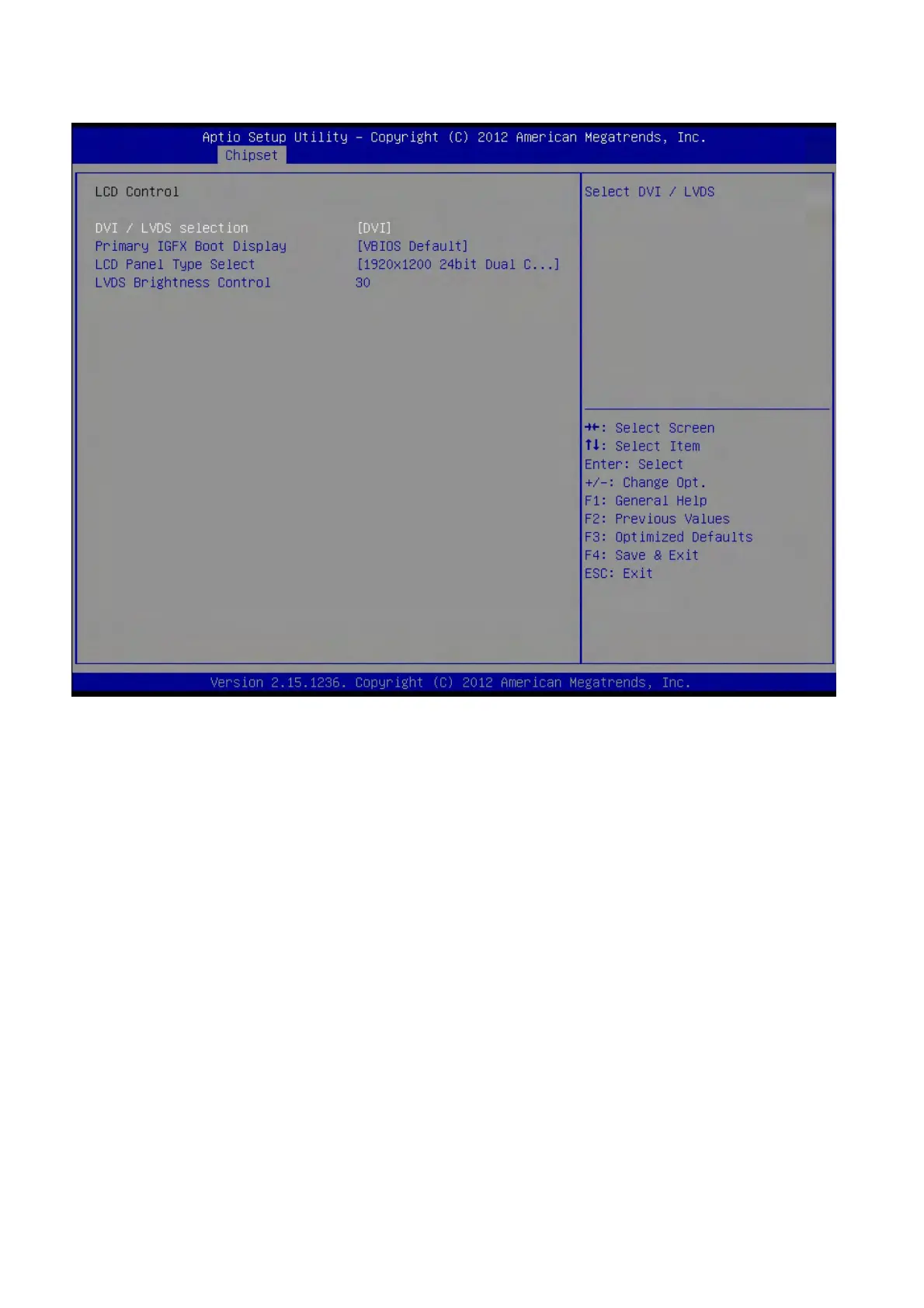
2.5.2.1.1 LCD Control
DVI/LVDS Selection [DVI]
Primary IGFX Boot Display [VBIOS Default]
Select the Video Device that will be activated during POST. This has no effect if external
graphics present. Secondary booty display selection will appear based on your selection.
VGA modes will be supported only on primary display.
Configuration options: [VBIOS Default][CRT][DVI][LVDS]
LCD Panel Type Select
Select LCD Panel resolution
LVDS Brightness Control [30]
Configuration options:[1]~[63]



 To Next Page