MX87QD User’s Manual
MX87QD User’s Manual
85
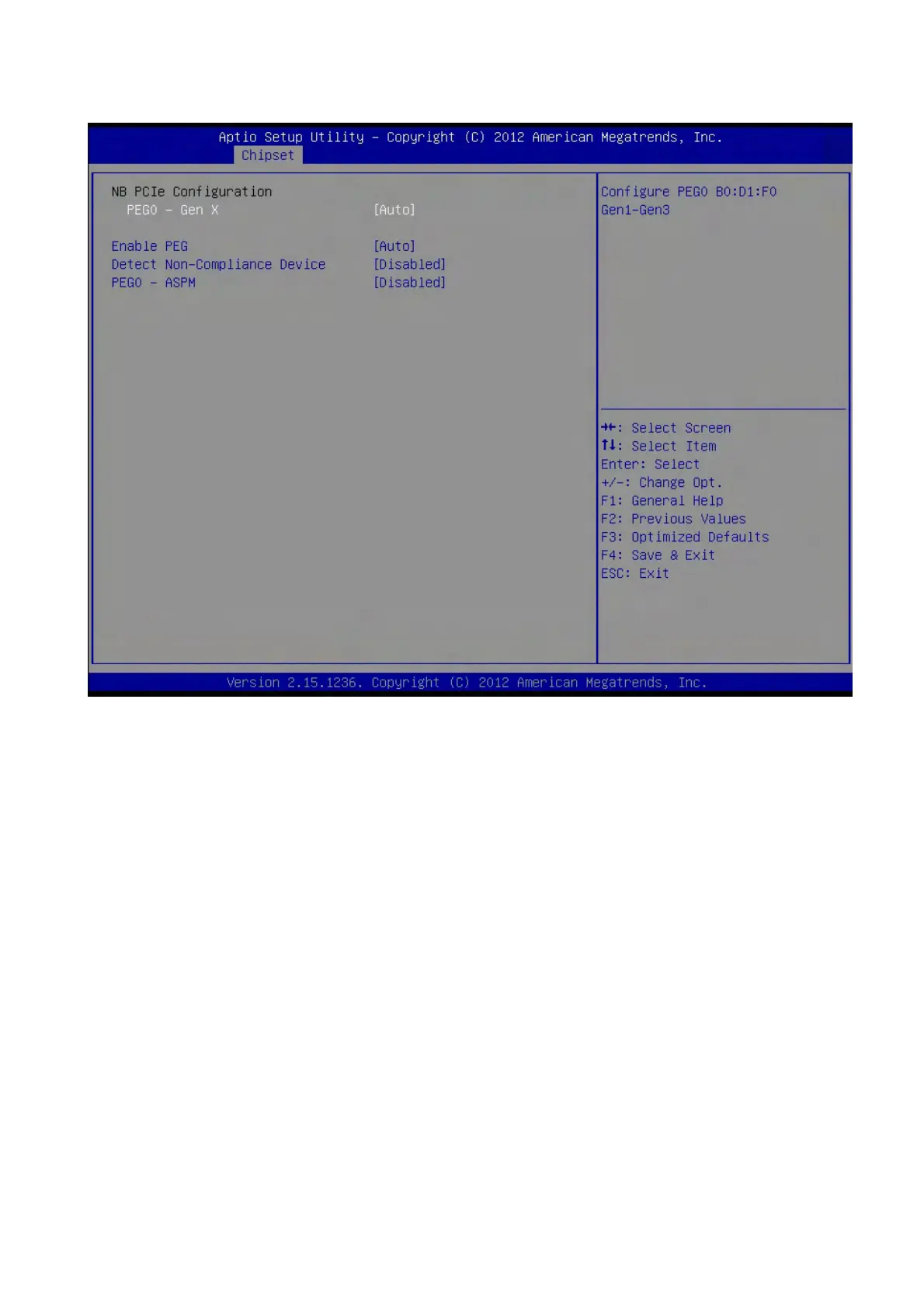
2.5.2.2 PCIe Configuration
PEG0 – Gen X [Auto]
Configure PEG0 Gen1~Gen3
Configuration options: [Auto][Gen1][Gen2][Gen3]
Enable PEG [Auto]
To enable/Disable the PEG slot.
Configuration options:[Auto][Enable][Disable]
PEG ASPM [Auto]
Control ASPM support for the PEG Device. This has no effect if PEG is not the currently
active device.
Configuration options: [Disabled] [Auto] [ASPM L0s] [ASPM L1] [ASPM L0sL1]



 To Next Page