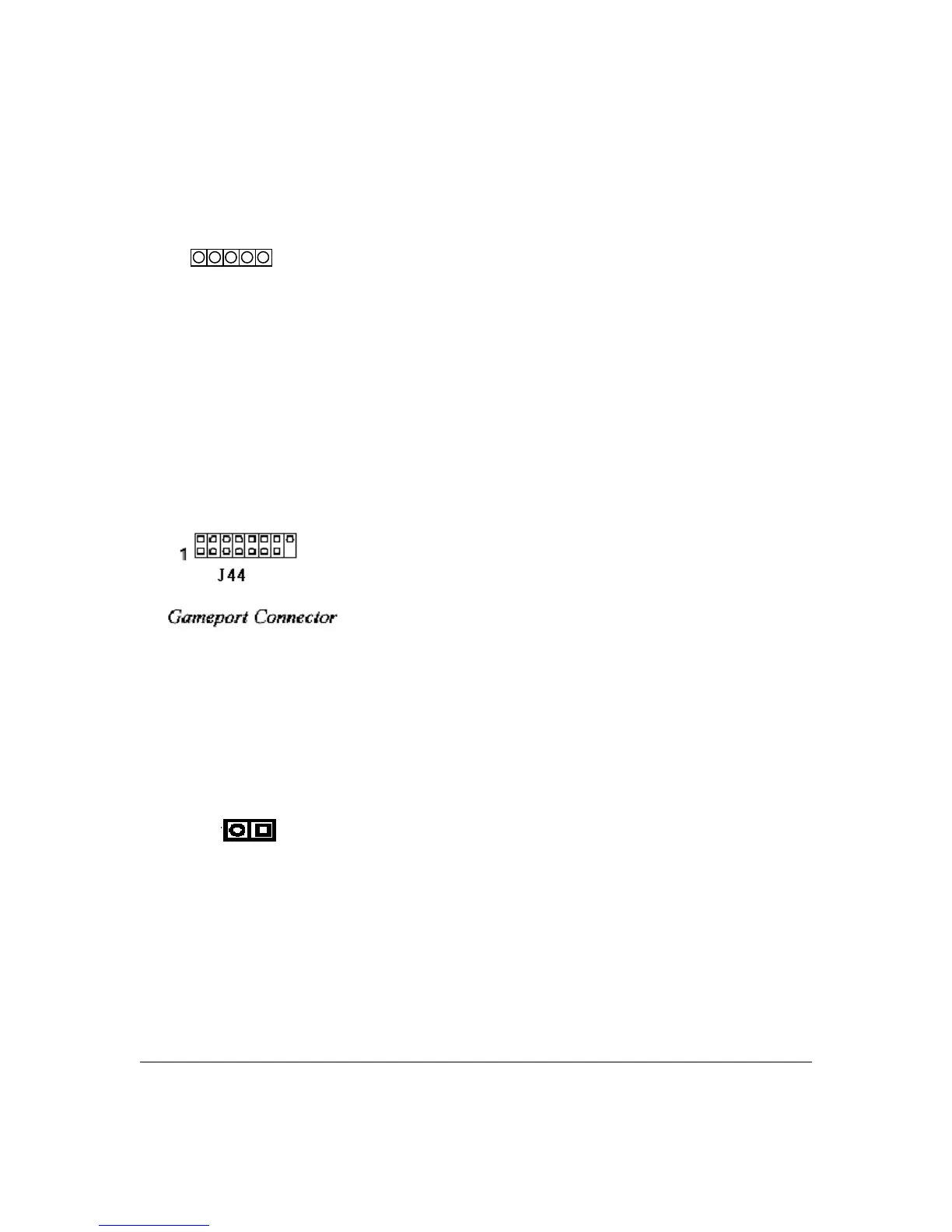
J40: Infrared Connectors
This connector, J40 (IR) lets you attach an Infrared (IR) port module. The connectors support
both IrDA and ASKIR infrared port modules. Review the module’s instructions for installation
information. To use this feature you must configure the motherboard using the CMOS Setup
Utility, see the Integrated Peripherals section of Chapter 4.
J44: Game port connector
This connector, J44, is a standard 15-pin gameport connector for attaching game controlling
devices.
J14: Chassis Intrusion connector
The hardware monitor subsystem supports a chassis security feature that detects the chassis cover.
When the cover is removed, a signal is sent to the hardware monitor component. The chassis
intrusion circuit is powered by the system’s power supply when the system is connected to an AC
power or by the onboard battery when it is not.
Connect the chassis intrusion sensor cable from the chassis to J14.
To disable this function, place a jumper cap over J14.
User’s Manual 2 - 13
Pin
1:
2:
3:
4:
5:
Assignment
+5V
NC
IR_RX
GND
IR_TX



 To Next Page