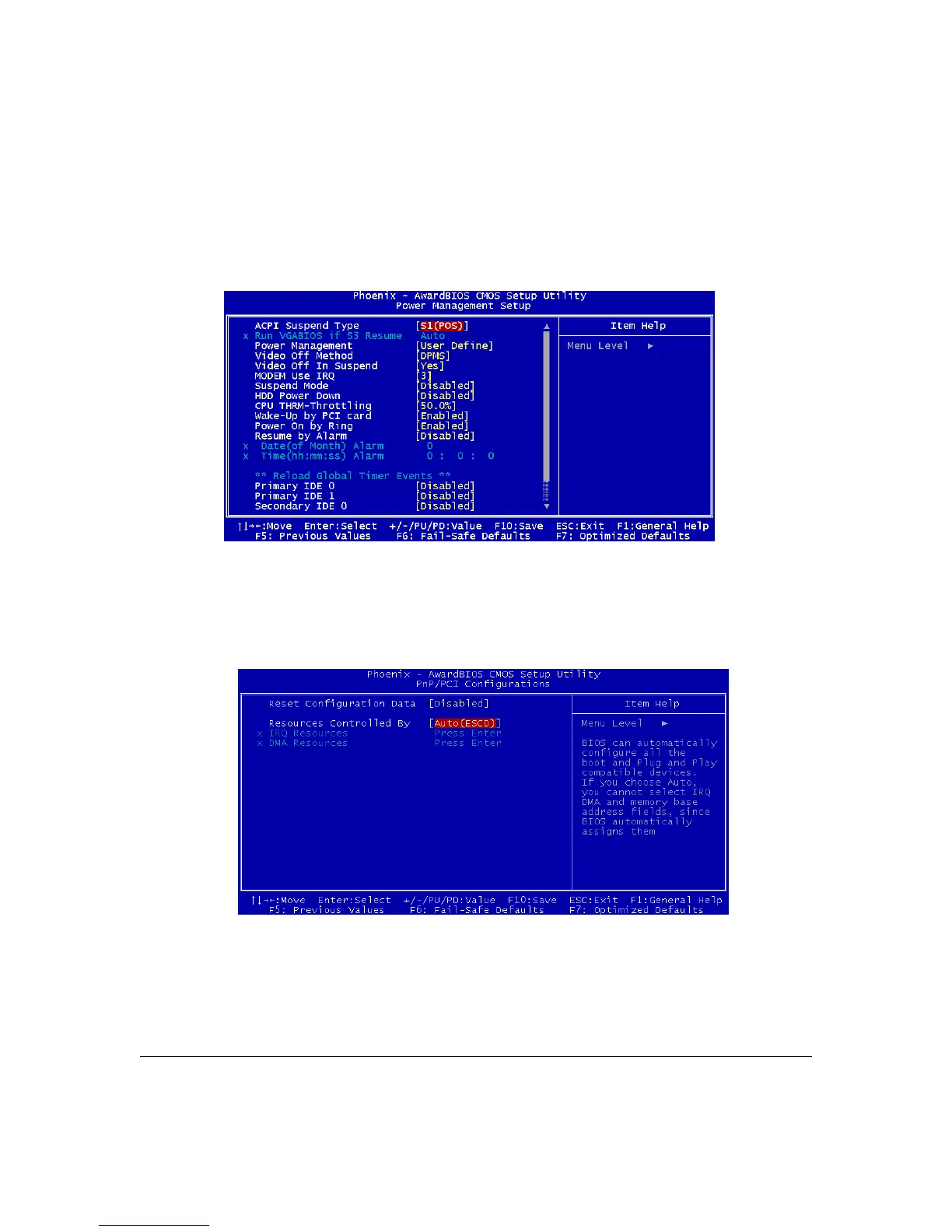
Power Management Setup Screen
The Power Management Setup screen configures power management settings. The settings on
this screen are all optimized defaults. Windows ACPI power management overrides most of these
settings. There are Minimum and Maximum configurations available in addition to the User
Defined defaults. In User Defined mode you can customize all settings.
PnP/PCI Configurations
The PnP/PCI Configurations screen configures Plug and Play and other PCI bus settings. The
default is for BIOS control of these functions. Set Reset Configuration Data to Enabled if a
problem occurs after installing an expansion card. This rewrites the ESCD.
User’s Manual 4-5



 To Next Page