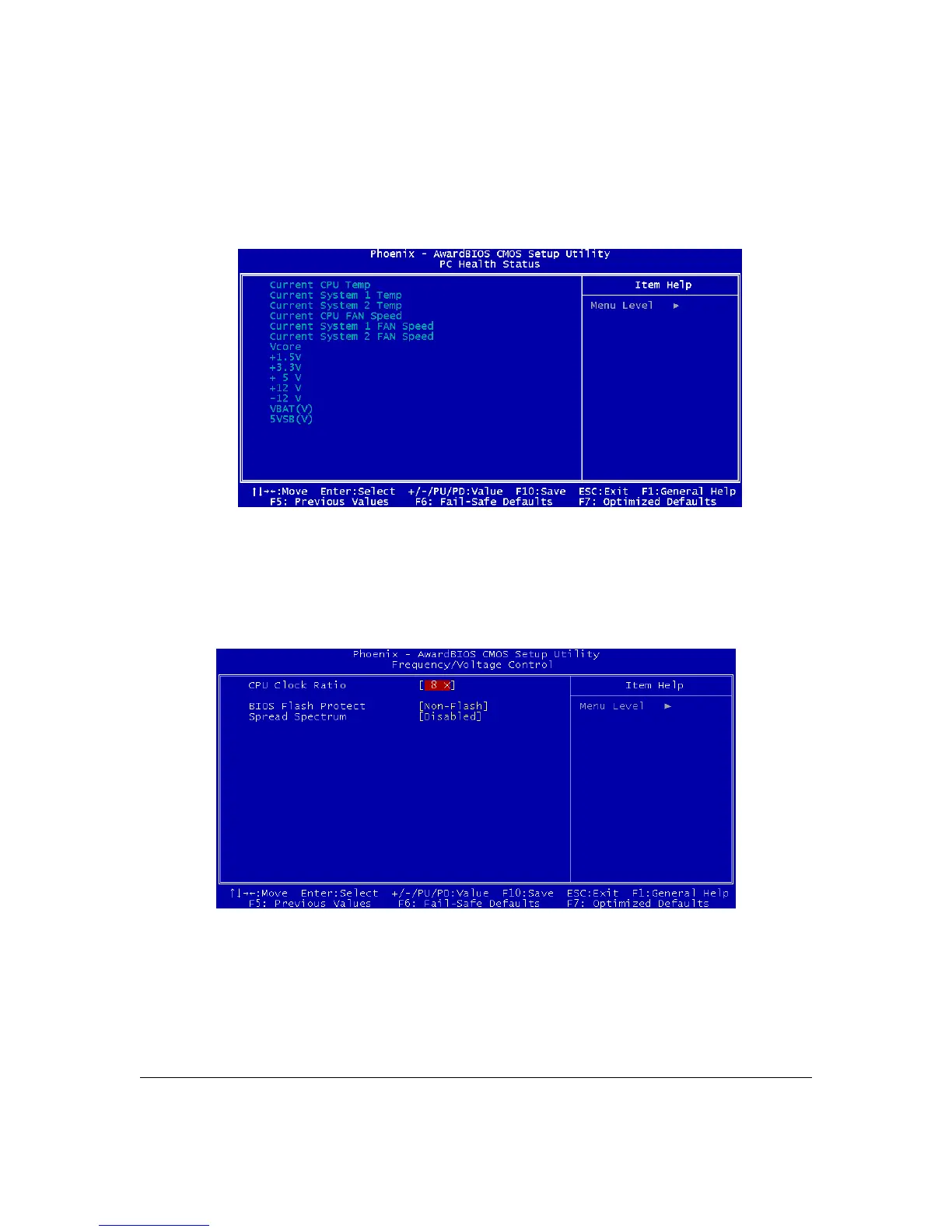
PC Health Status
The PC Health Status screen displays system information such as CPU cooling fan speed and
various voltage levels. This information is Auto Detected.
Frequency/ Voltage Control
The Frequency/ Voltage Control screen configures CPU settings. Configuring CPU clock ratio
settings that are different than Intel specifications can damage the Intel CPU and void the CPU
warranty.
Enable the Spread Spectrum setting to reduce interference generated by the board circuitry.
User’s Manual 4 - 6



 To Next Page