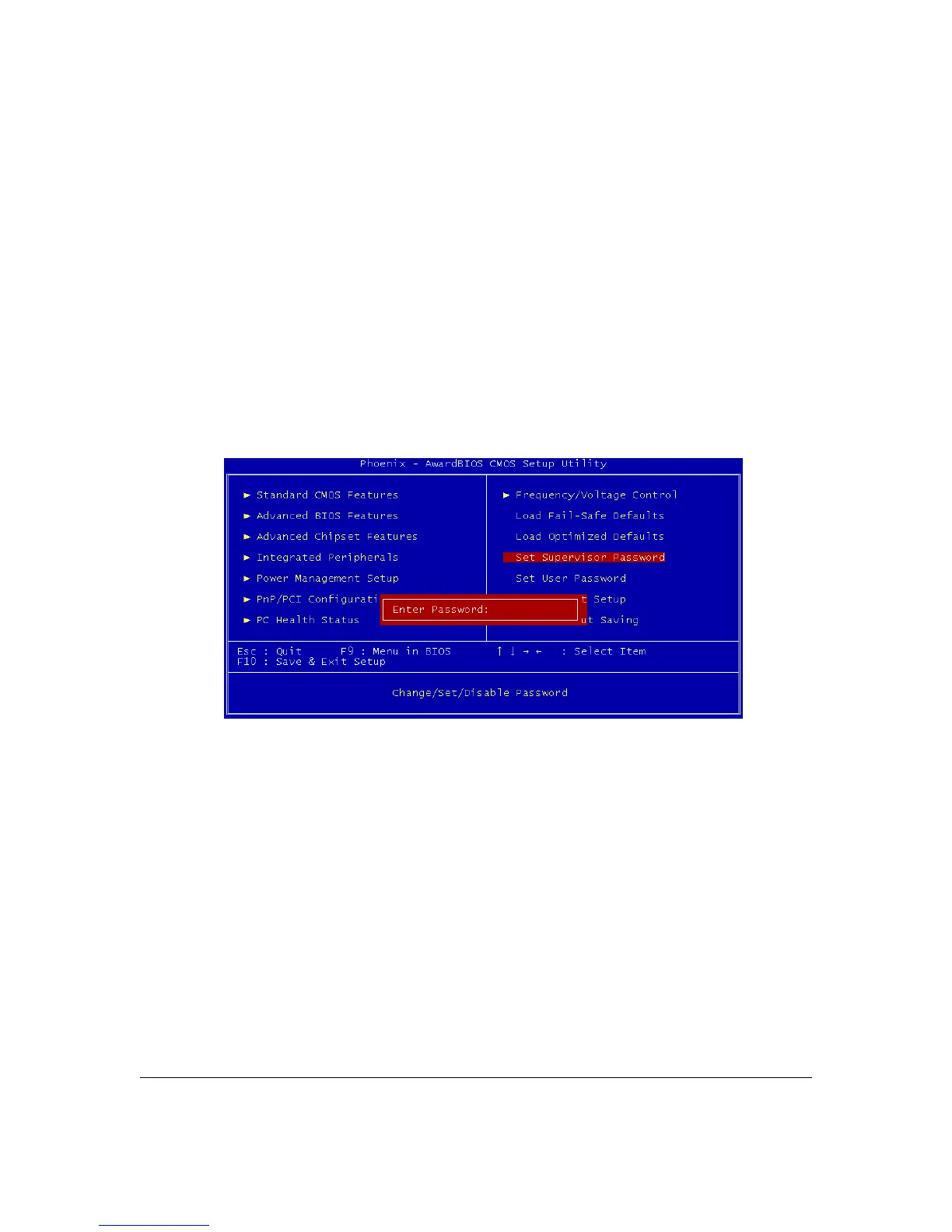
Setting Supervisor/User Password
The Set Supervisor Password items let you set passwords for system access. The Supervisor
password prevents access to the CMOS Setup utility.
Set a password as follows:
1. Choose either Set Supervisor Password item or the Set User Password item in the main screen
and press Enter. A password dialog box appears.
2. To enter a new password type in the password using no more than eight characters or
numbers and press Enter.
3. A dialog box asks you to confirm the new password by typing it in a second time. Type the
password again and press Enter, or just press Enter if you are deleting a password. The
password is then recorded. After bringing up the password dialog box you decide not to set a
password, press the Enter key, not the Esc key, to exit the password dialog box.
Note: the password is case sensitive. To delete a password, press enter when the password dialog
box appears and just press “Enter” from keyboard.
User’s Manual 4 – 8



 To Next Page