26
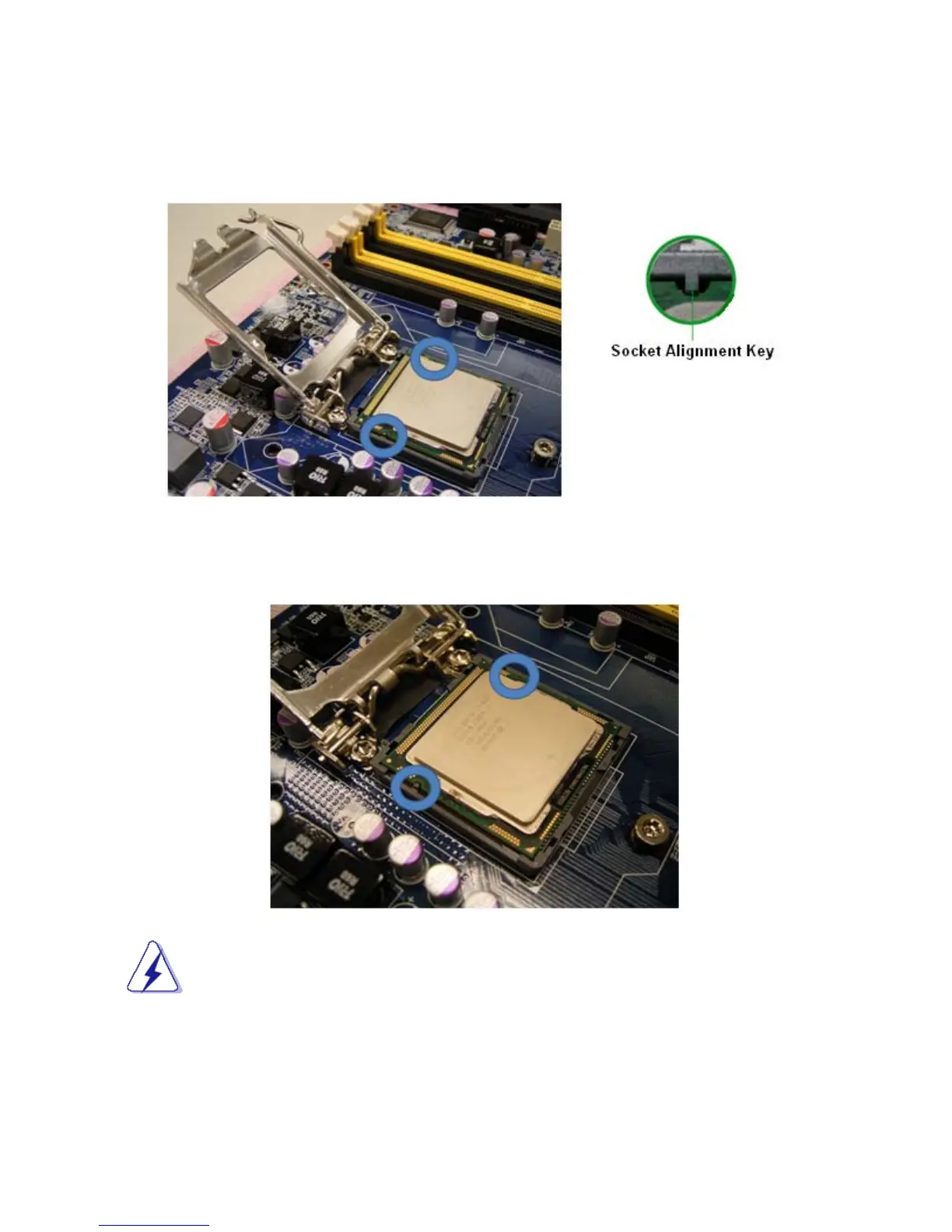
5. There are two notches on the CPU itself (one on each side), and there are two “Socket Alignment keys”
on the CPU socket as well. Line up the two CPU notches with the “Socket Alignment Keys” on the
socket, and insert the CPU into the CPU socket slowly.
Visually inspect if the CPU is seated into the CPU socket evenly. The “Socket Alignment keys” should fit
into the CPU notches.
To prevent CPU damage, please take precaution necessary for ESD.



 To Next Page