55
accidentally make unwanted changes to any of the fields, press <F9> to load the optimal
default values. While moving around through the Setup program, note that explanations
appear in the Item Specific Help window located to the right of each menu. This window
displays the help text for the currently highlighted field.
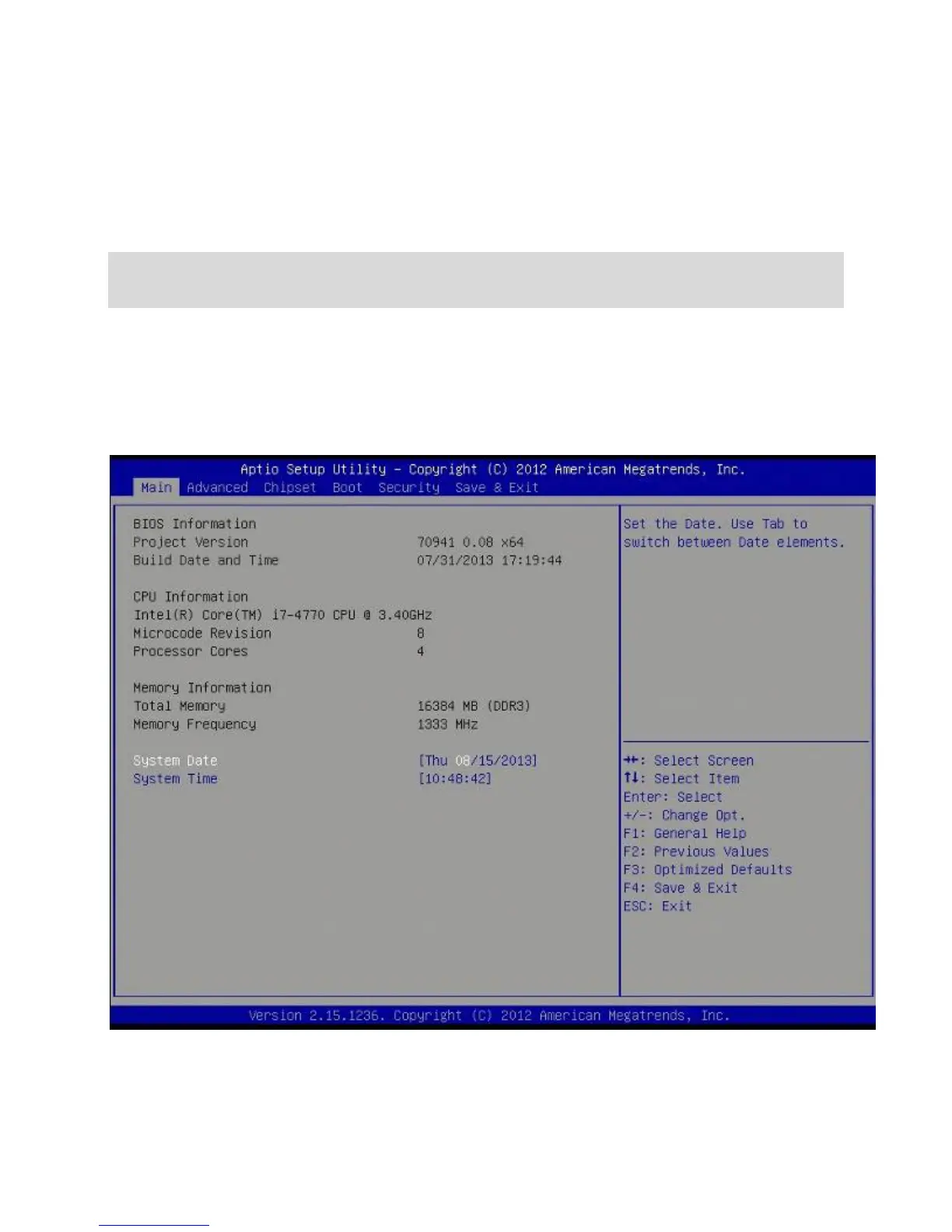
BIOS Menu Screen
When you enter the BIOS, the following screen appears. The BIOS menu screen
displays the items that allow you to make changes to the system configuration. To
access the menu items, press the up/down/right/left arrow key on the keyboard until the
desired item is highlighted, then press [Enter] to open the specific menu.



 To Next Page