57
3.3 Advanced BIOS Setup
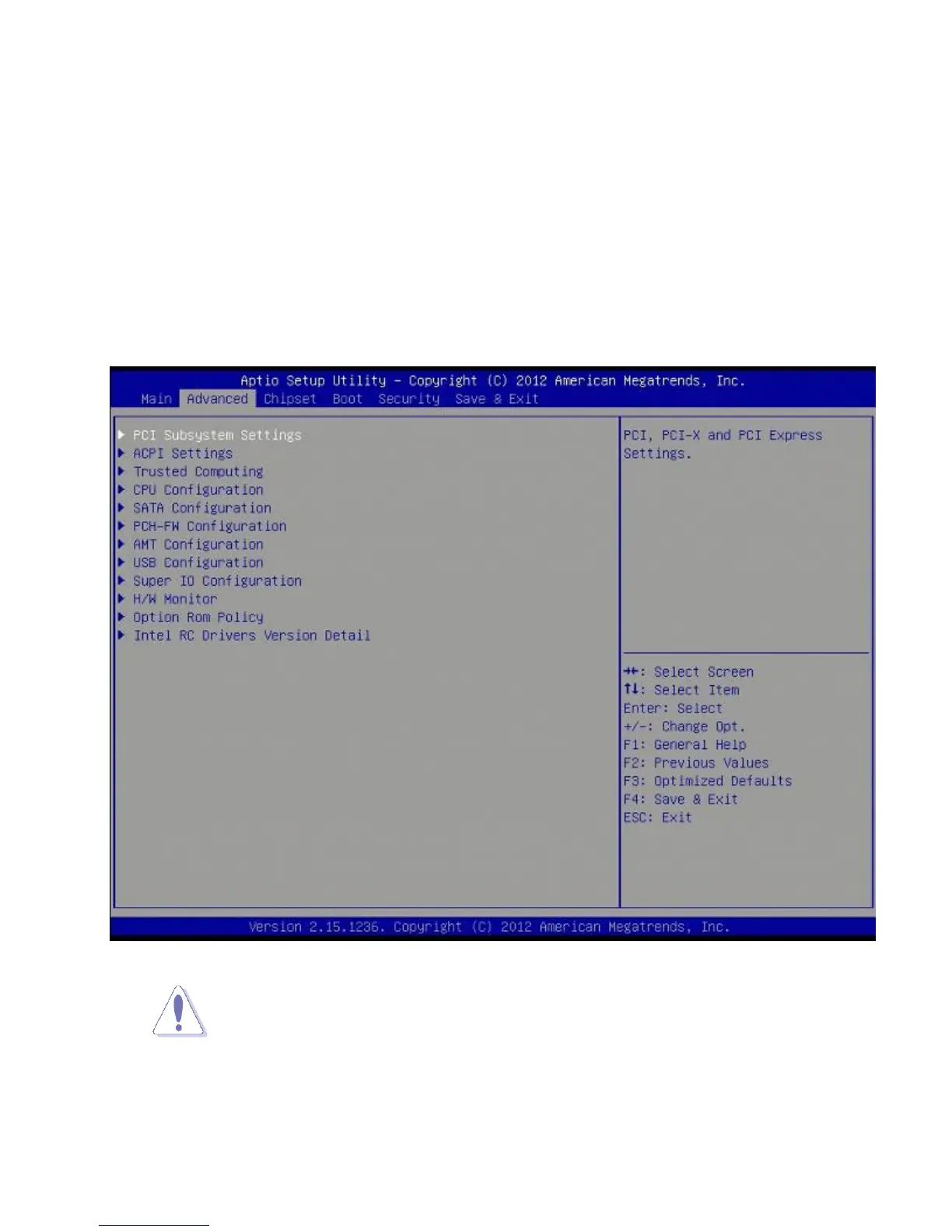
Select the Advanced tab from the setup screen to enter the Advanced BIOS Setup
screen.
You can select any of the items in the left frame of the screen, such as Chipset
configuration, to go to the sub menu for that item. You can display an Advanced BIOS
Setup option by highlighting it using the <Arrow> keys. All Advanced BIOS Setup options
are described in this section. The Advanced BIOS Setup screen is shown below. The sub
menus are described on the following pages.
Take caution when changing the settings of the Advanced menu items. Incorrect
field values can cause the system to malfunction.



 To Next Page