User Manual 17
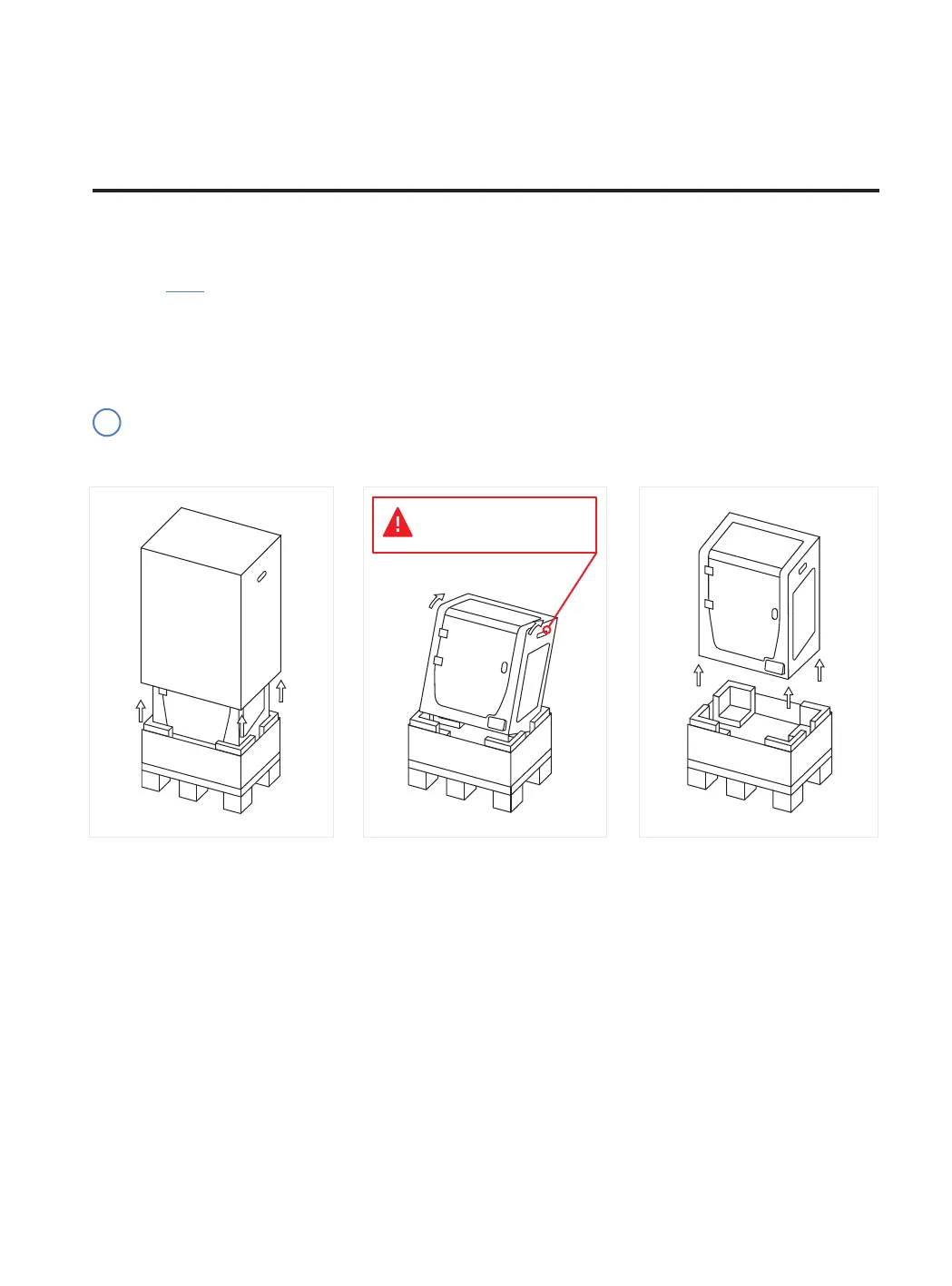
The printer is heavy and therefore this step needs to be performed by two people. Make sure that the table where
the printer is being installed, is close enough.
Retain packaging, and pallet for warranty service.
i
Use the handles to take
out the printer.
Unboxing
Unboxing
Watch our video to see how to correctly unbox.
1. Cut the straps and remove the
top box and the plastic bag
containing the printer.
2. Lean the printer backwards
holding it from both side handles
and the front-bottom.
3. Lift with care and place it on the
table.
Unboxing



 To Next Page