User Manual 58
Menu structure
This chapter provides an overview of the Epsilon Series User Interface. In order to set up your printer or perform
any operation, please follow the procedures in the corresponding sections: Preparation and Operation.
Home screen
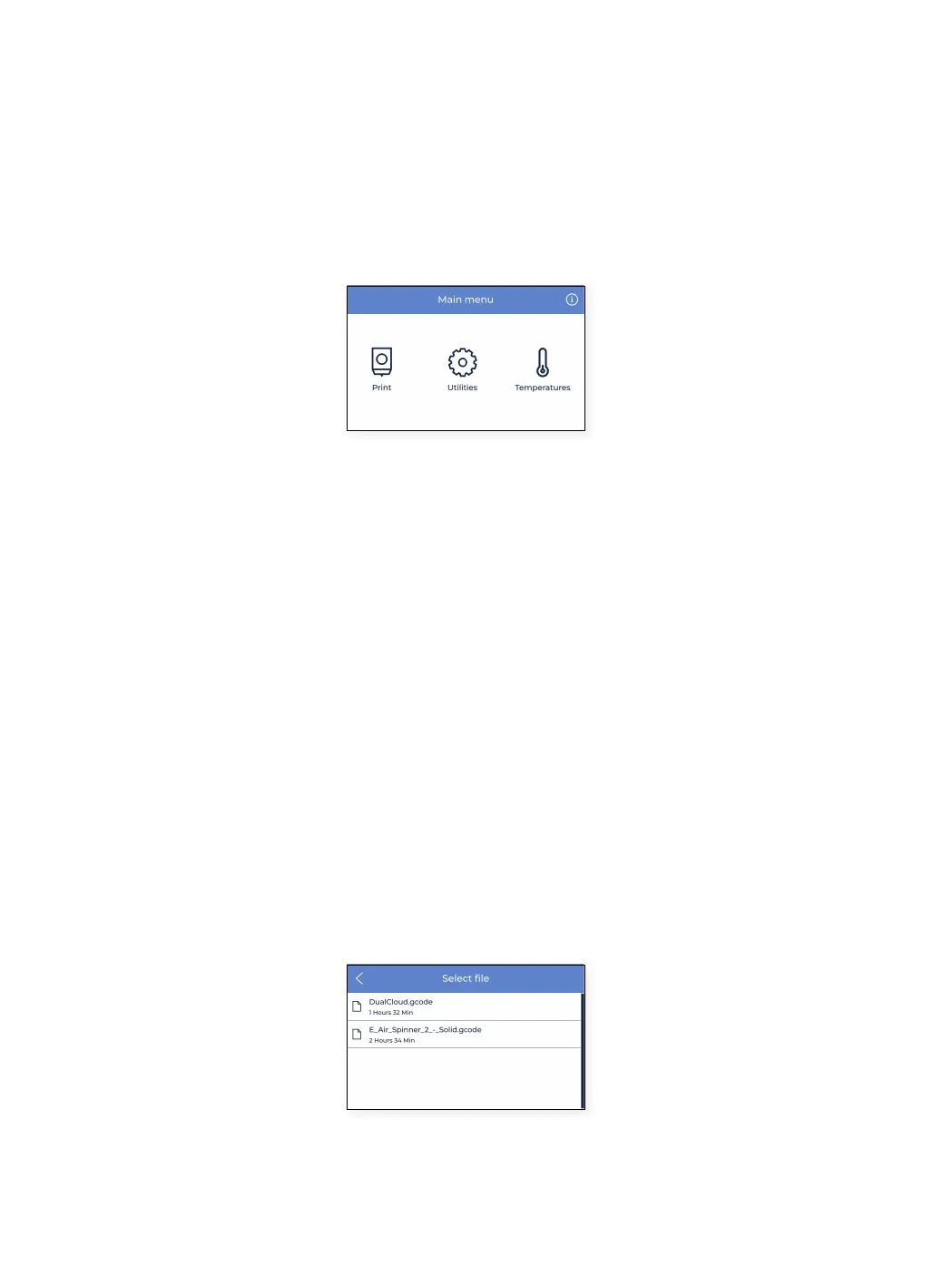
In the main menu, there is an item for each of the main actions the user can perform:
1. Print: start a printjob stored on the SD card.
2. Utilities: access to main operations related to material, calibration, maintenance and setup.
3. Temperatures: check temperatures of hotends and build platform and perform preheat.
4. Information: check unit specific information such as software version, serial number, … or printjobs statistics.
Print
Select the Print menu icon to initiate a print stored on the SD card. Be sure that your SD card is correctly inserted in
order to see all the files.
If you prefer using the BCN3D Cloud dashboard to start a print, please take a look at the BCN3D Cloud user guide:
From the BCN3D Cloud dashboard.
Select file from SD card
Files in the list show in alphabetical order. Scroll with your finger and tap the desired print job in order to start
printing.



 To Next Page