User Manual 43
Add a printer that is linked to your account
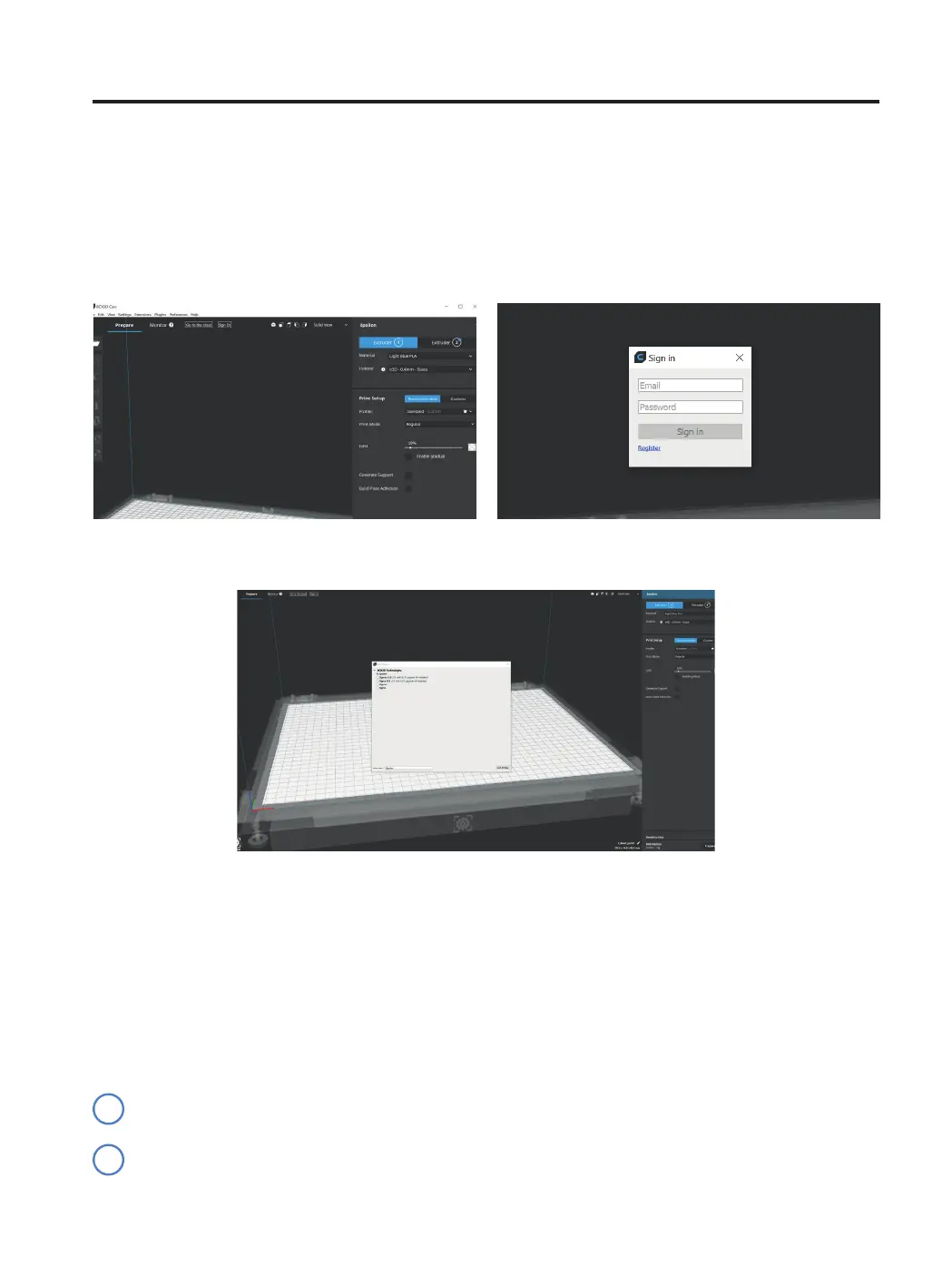
• To add a printer into BCN3D Cura and take profit of all BCN3D Cloud functionalities, the printer must be registe-
red and have an internet connection, as indicated in the sections Network connectivity and Register.
• Sign-in in your BCN3D account.
Preparing a print
• Select the printer you want to print with.
Printing modes
BCN3D Cura takes advantage of all the benefits of the IDEX system: simply merge multi-material models, gene-
rate support structures, cut down printing times by combining hotends with different nozzle sizes or even double
production capacity thanks to duplication and mirror mode.
Visit Learn to know more about success stories, learn about our latest updates, whitepapers and more.
In order to perform the first dual print, visit Sample parts section to download the BCN3D Benchmark file or
the gcode. Notice this gcode is a dual print configured for PLA and 0.4 hotends
i
i



 To Next Page